01
Scan
Guests open a table-aware QR menu and take real actions, not just browse a PDF.
For restaurants that need more than a QR menu
Let guests send orders and service requests from the table while staff keeps every kitchen handoff under control.
Social or magic link. No password flow.
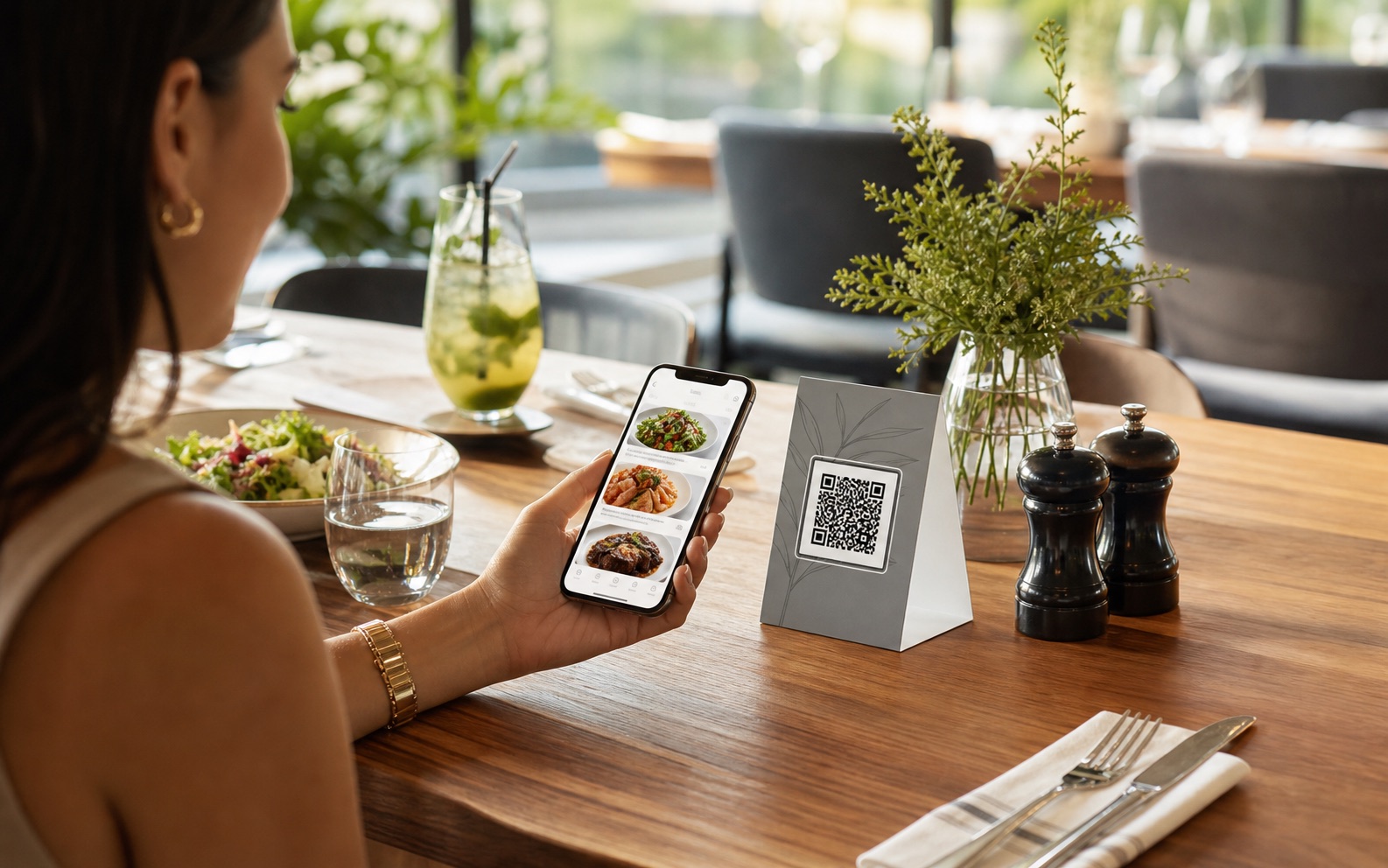
When QR menus accept actions without staff control, tables move faster but operations get noisier. MenuSuite keeps the scan simple and the handoff reviewed.
Guests open a table-aware QR menu and take real actions, not just browse a PDF.
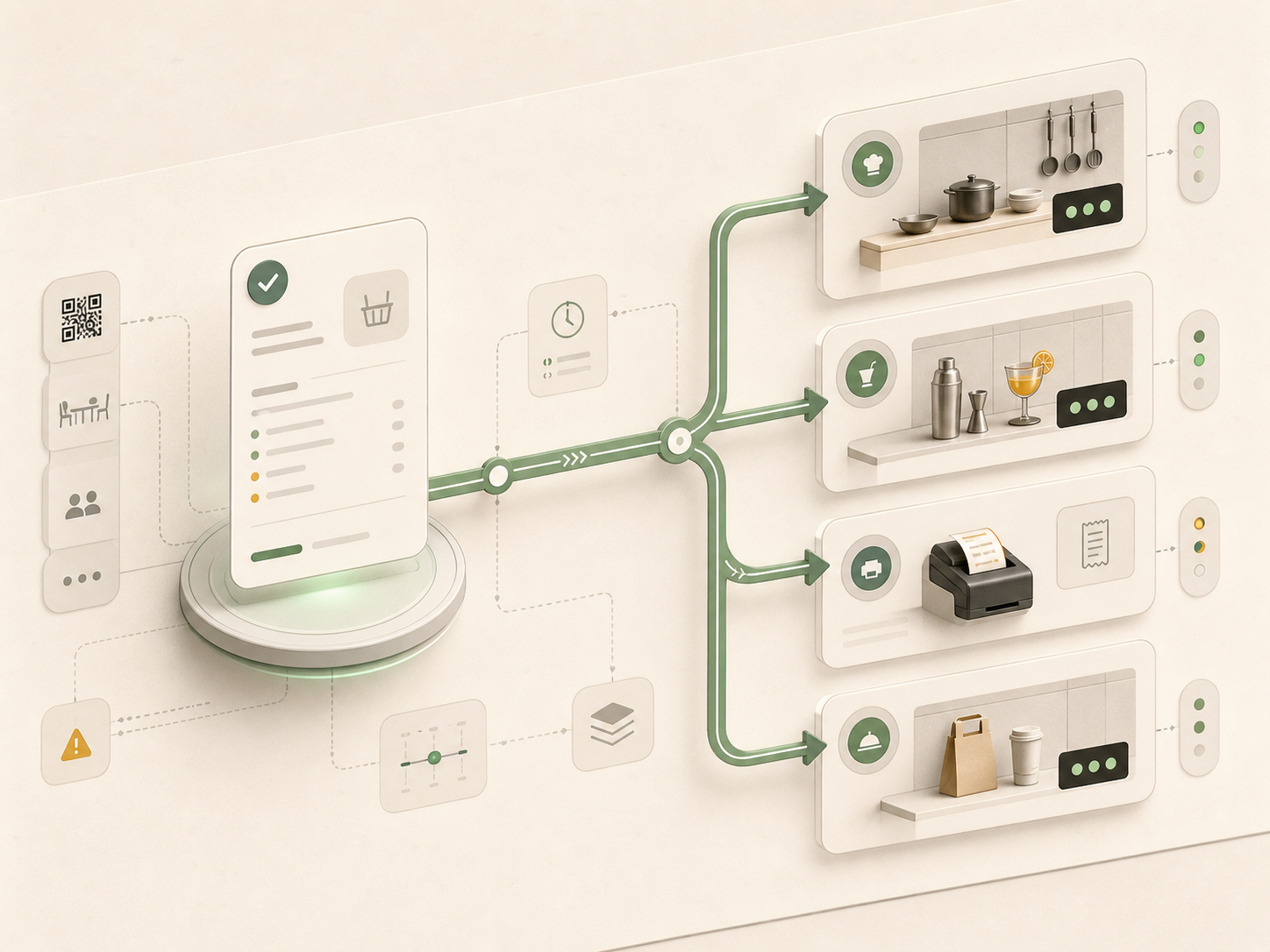
Staff sees the table, items, notes, and service requests before work reaches prep.
Only approved orders become kitchen work, with table and guest notes still visible.
Owners keep menu, QR assets, staff access, branch settings, and reporting together.
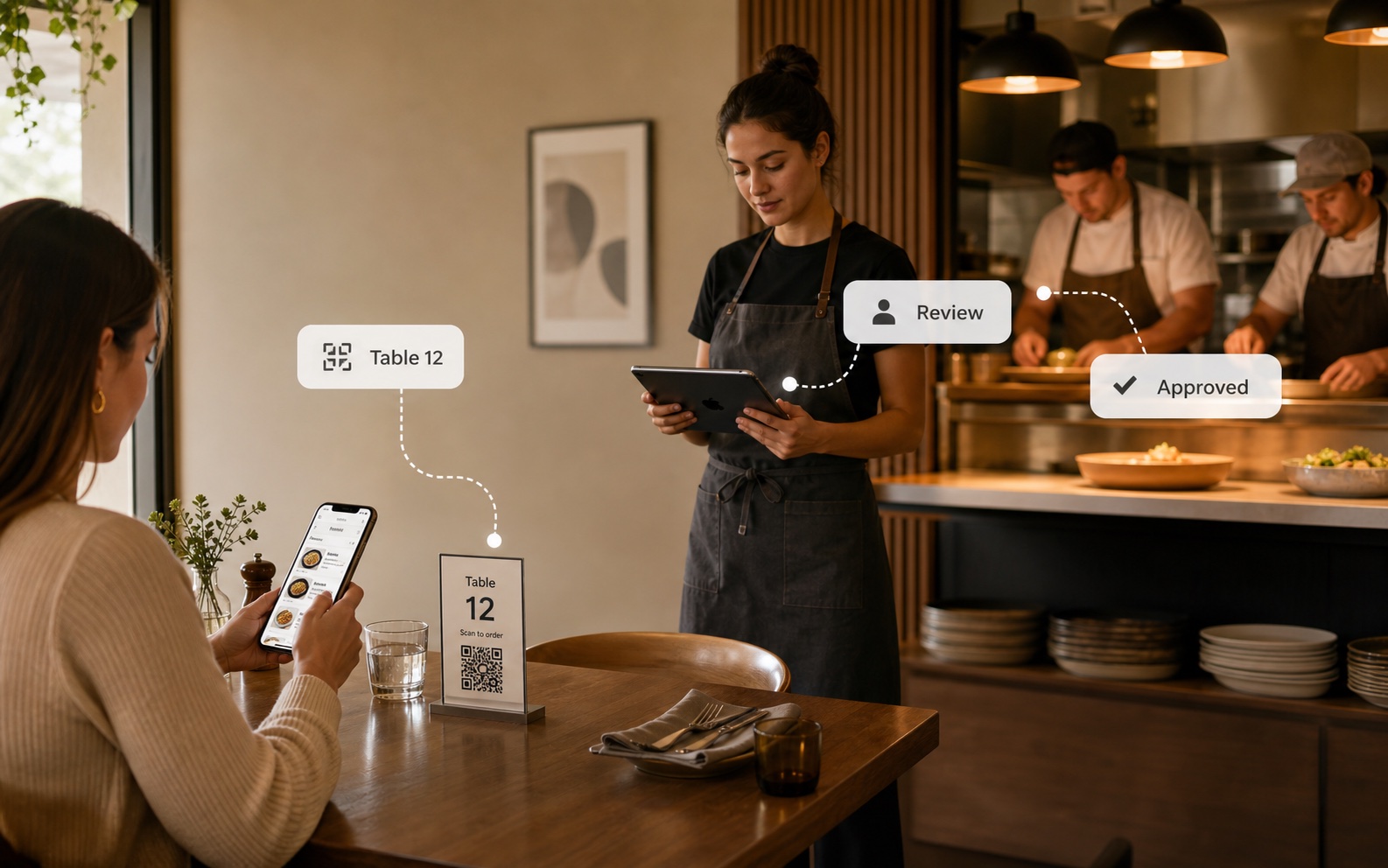
Guests move fast. Staff still controls what reaches prep, with table context carried from scan to kitchen.
Guests only need the menu. Owners need QR rules, staff review, handoff routing, and protected access to stay under control.
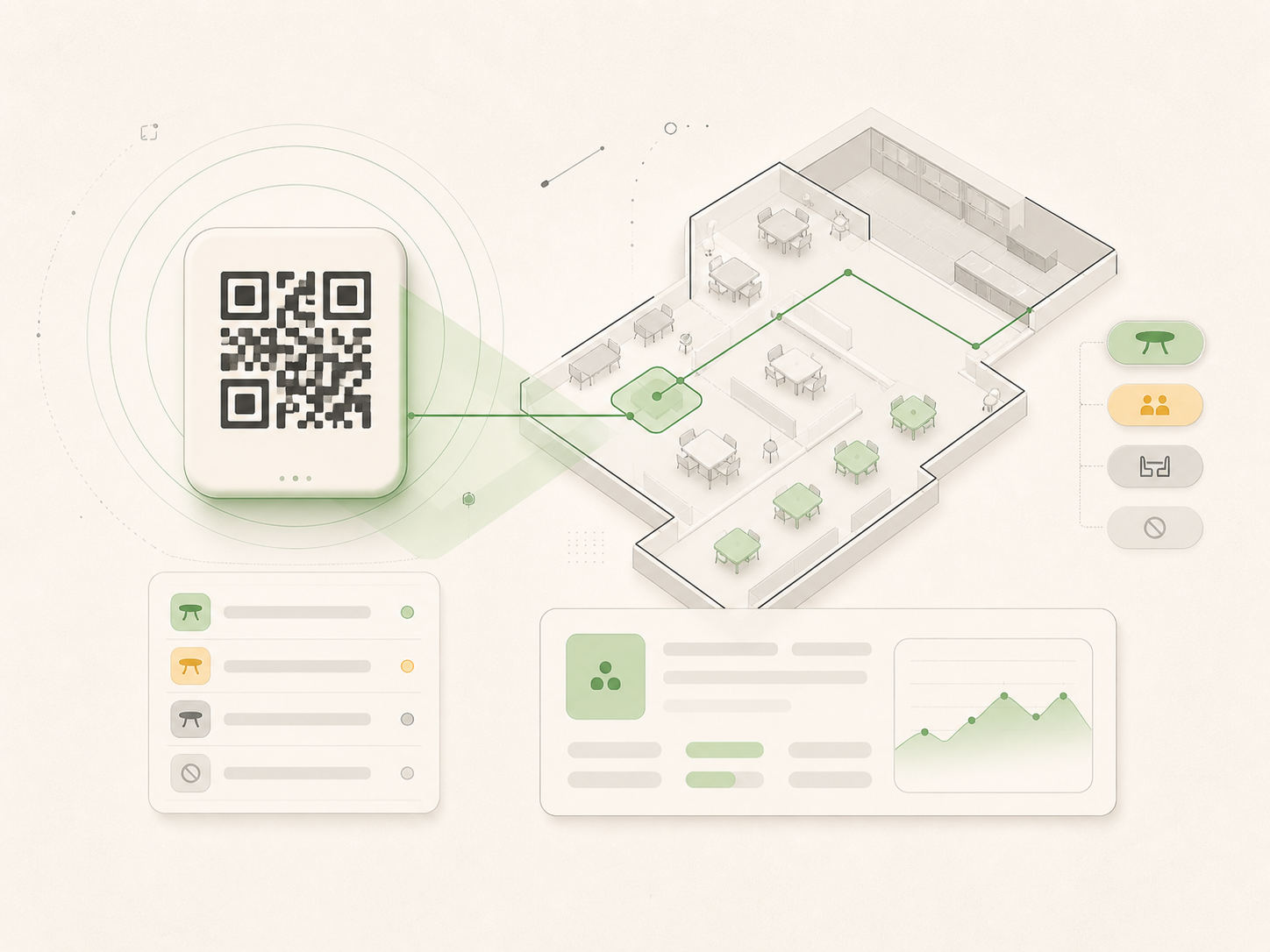
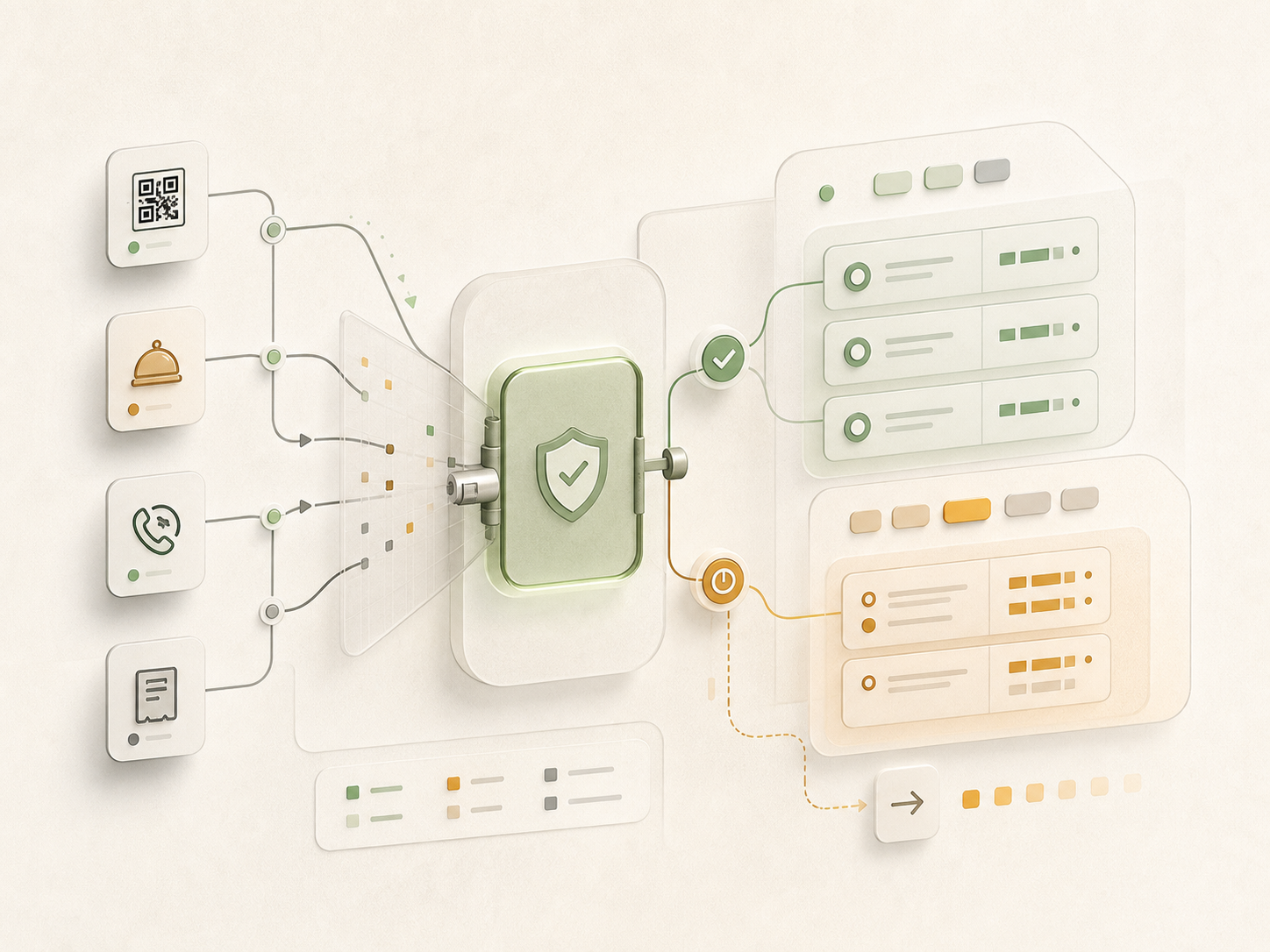
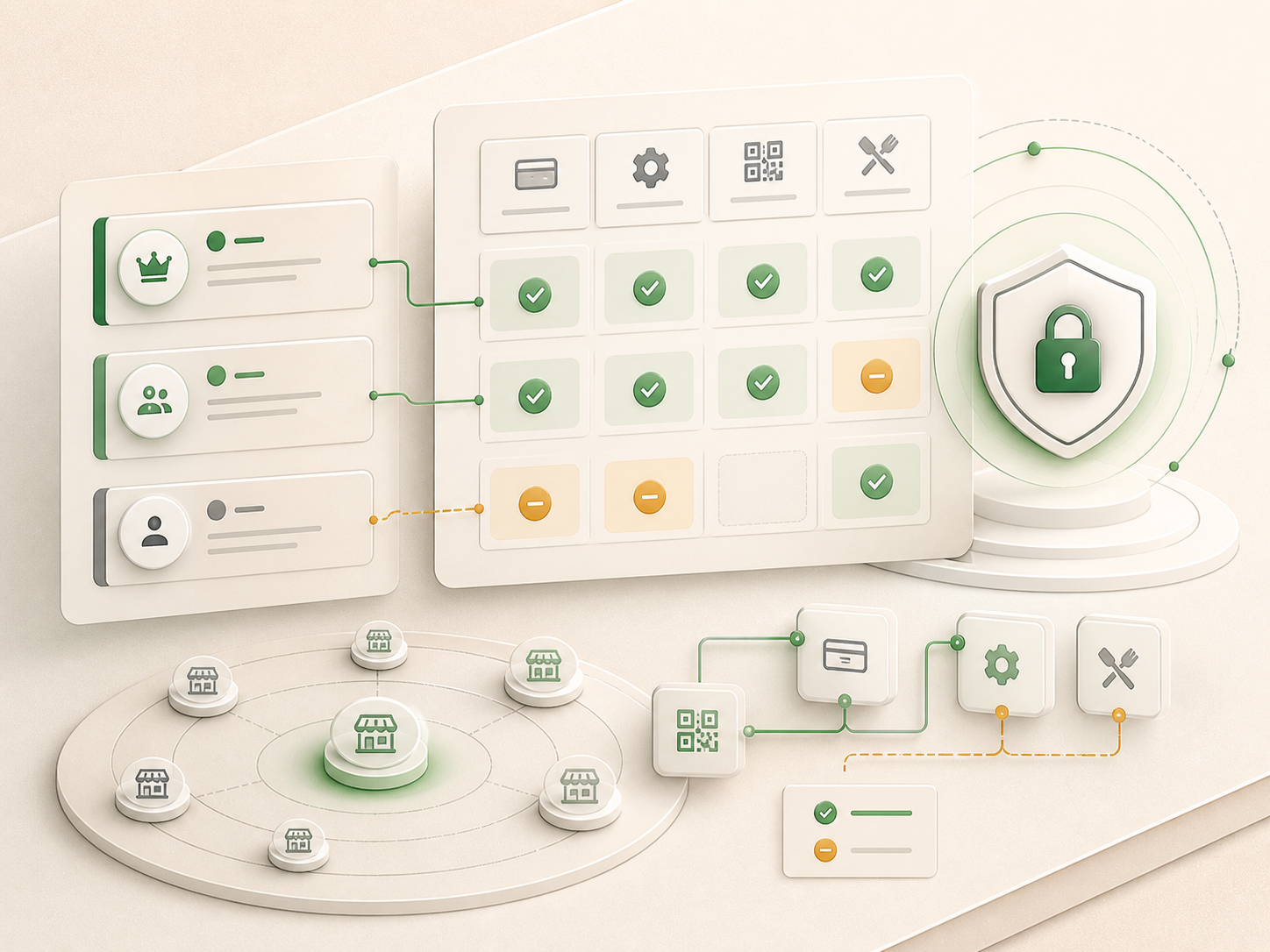
80+ themes can carry the guest menu and white-label staff dashboard without changing table context or staff review.
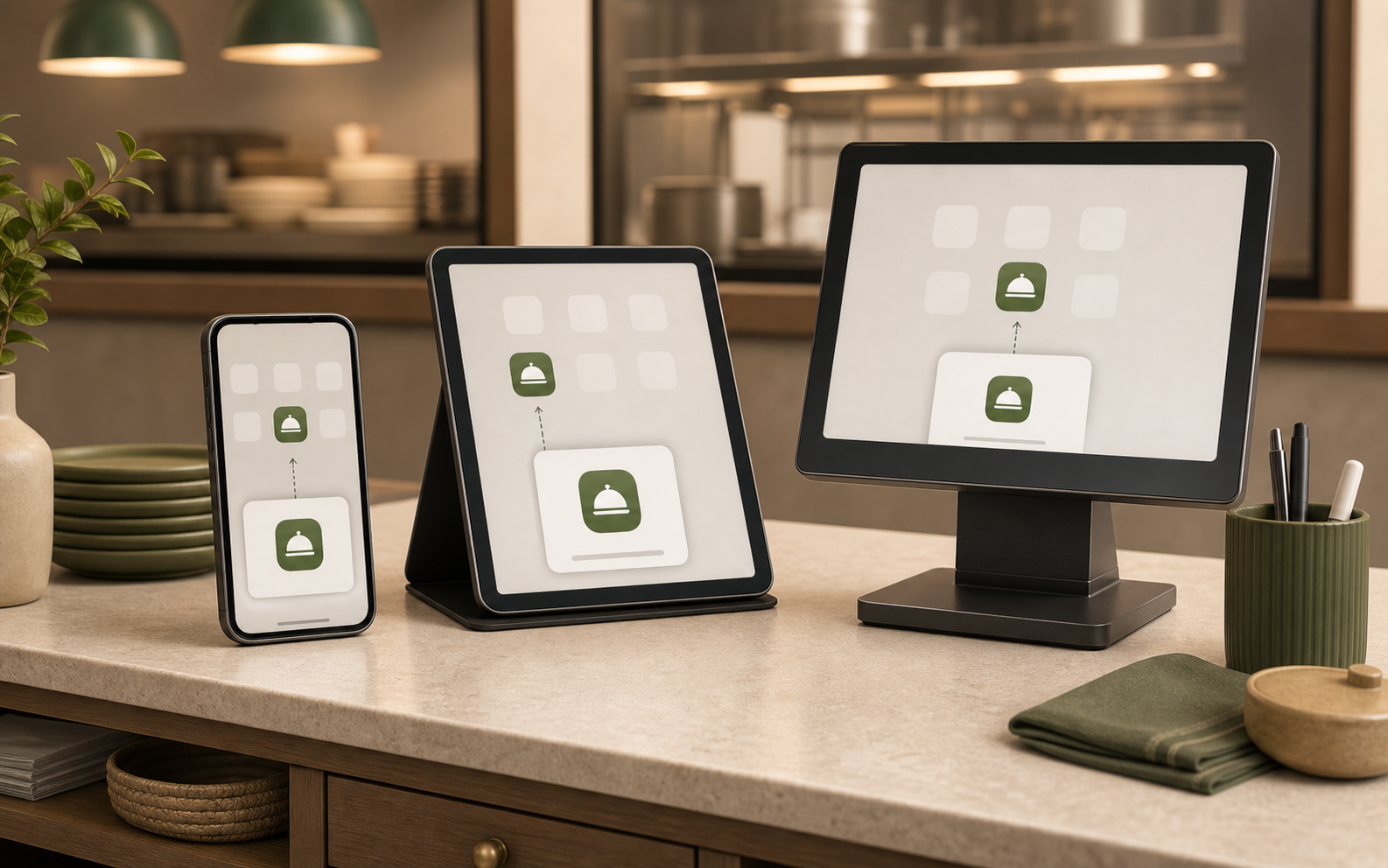
Staff can add MenuSuite to supported mobile home screens or desktop app launchers without an app store.
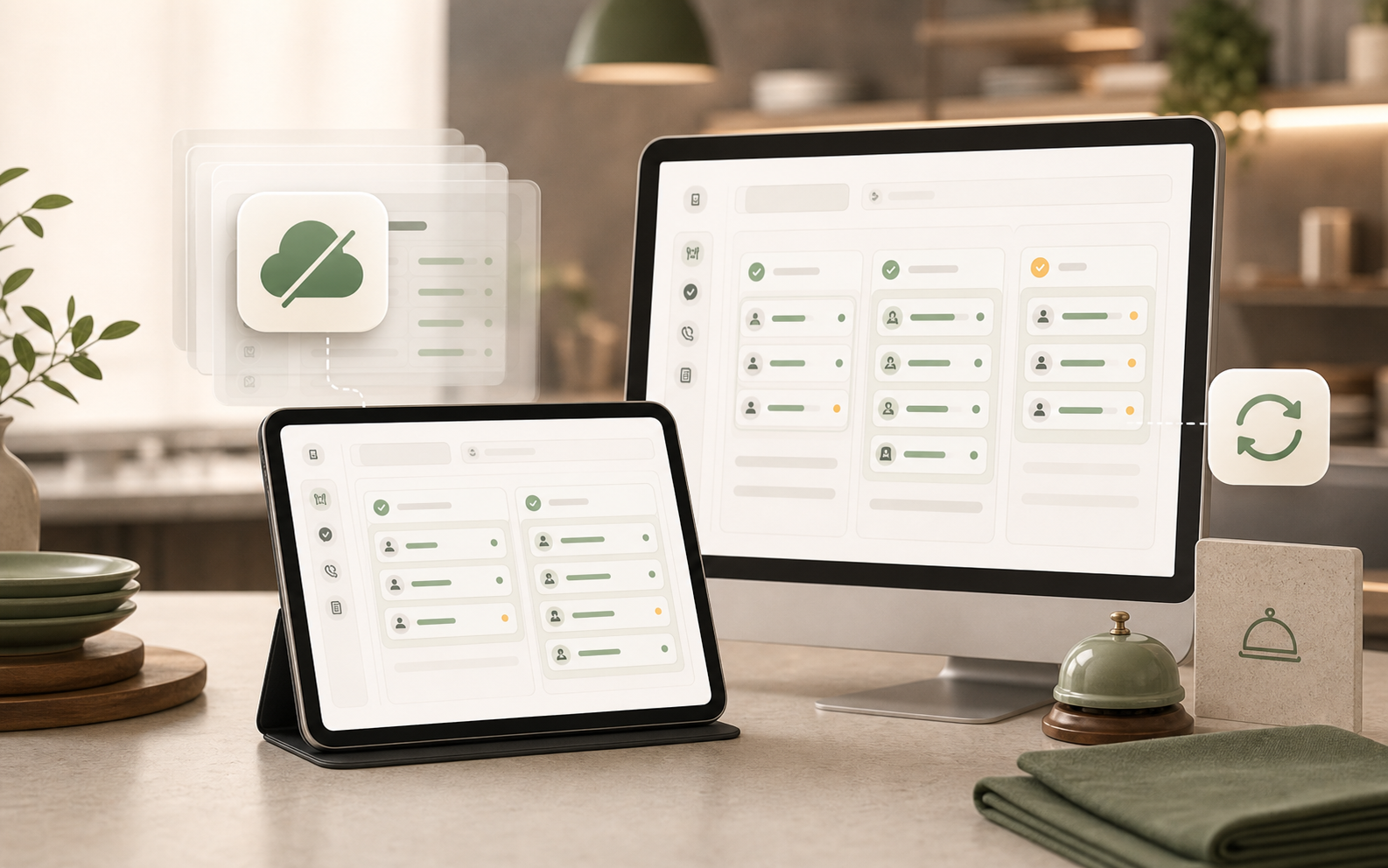
The staff shell can show a cached read-only state until the connection returns.
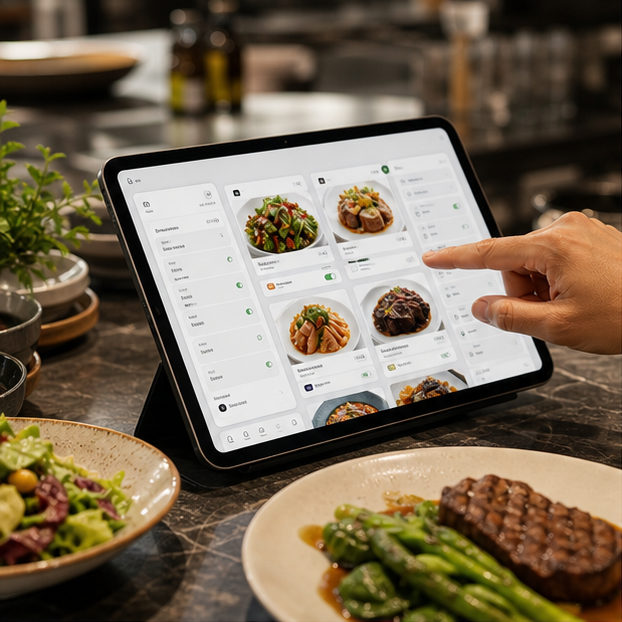
Create categories, items, availability, guest details, and the guest look.
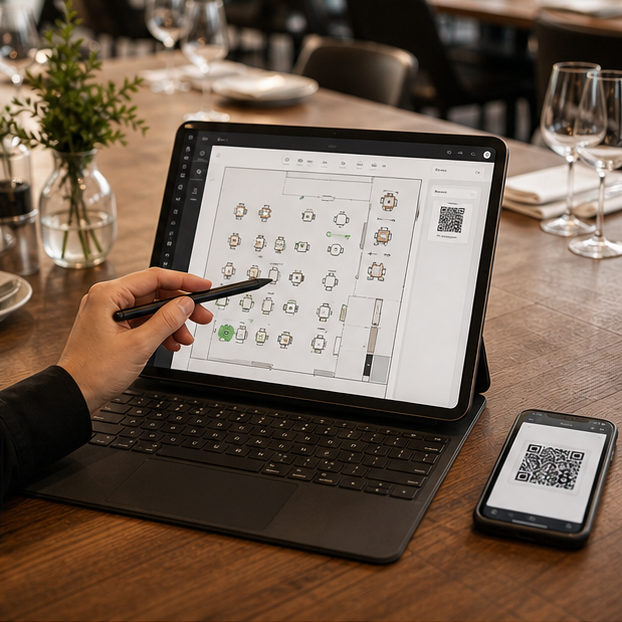
Create tables, zones, QR assets, staff access, and service policies.
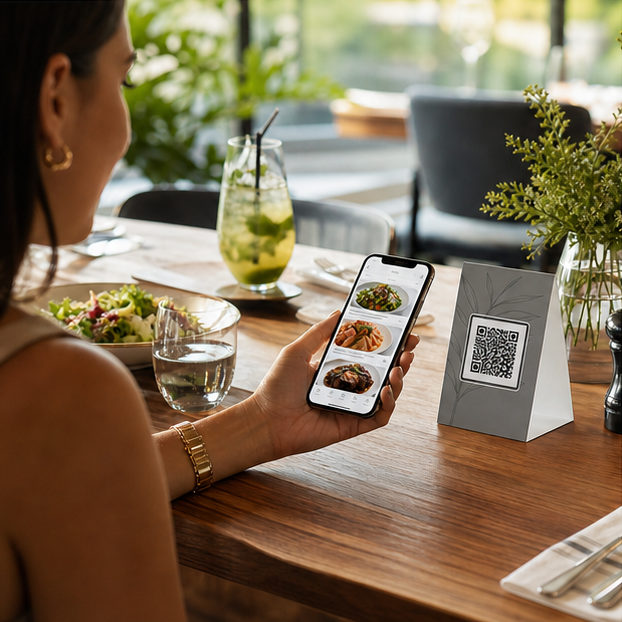
Guests order, call staff, and request the bill from the table QR flow.

Add the staff workspace to existing phones, tablets, or desktops before service.
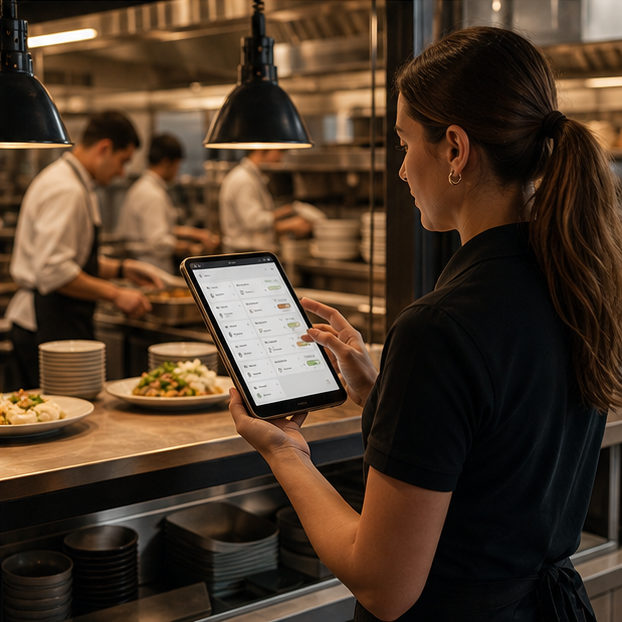
Staff reviews orders before kitchen handoff and keeps service requests visible.
Menu, QR, staff review, kitchen flow, analytics, and settings stay together.
For cafes and restaurants that want QR ordering without losing floor control.
Trial entry uses Google or magic link. Business setup happens after authentication.
Short answers for owners comparing QR menu tools with live operations software.
A static QR menu only shows items. MenuSuite lets guests order, request service, and ask for the bill while staff keeps approval and kitchen handoff under control.
Yes. Guest actions such as waiter call and bill request stay tied to the table context and appear in staff operations.
No. MenuSuite is approval-first, so staff can review orders before kitchen prep begins.
No. Guests start from the table QR in the browser. The installable app behavior is for staff devices, not a guest app requirement.
Yes. The staff workspace is designed as an installable web app for supported phones, tablets, and desktops, so teams can use existing devices.
No dedicated kiosk is required for the core workflow. Printer, KDS, and device setup still depends on each restaurant operation.
The staff shell can keep a cached read-only view visible. Operational writes wait for reconnection so offline data does not become the source of truth.
Yes. Guest menu themes can change the customer-facing look while the operating workflow stays consistent.
Both. The product keeps menus, QR assets, staff access, and settings scoped per restaurant or branch.
Give guests a simple scan while staff keeps the right work moving.
Start free trial