
01
Scan
Guests open a table-aware QR menu and take real actions, not just browse a PDF.
For restaurants that need more than a QR menu
Let guests send orders and service requests from the table while staff keeps every kitchen handoff under control.
Social or magic link. No password flow.
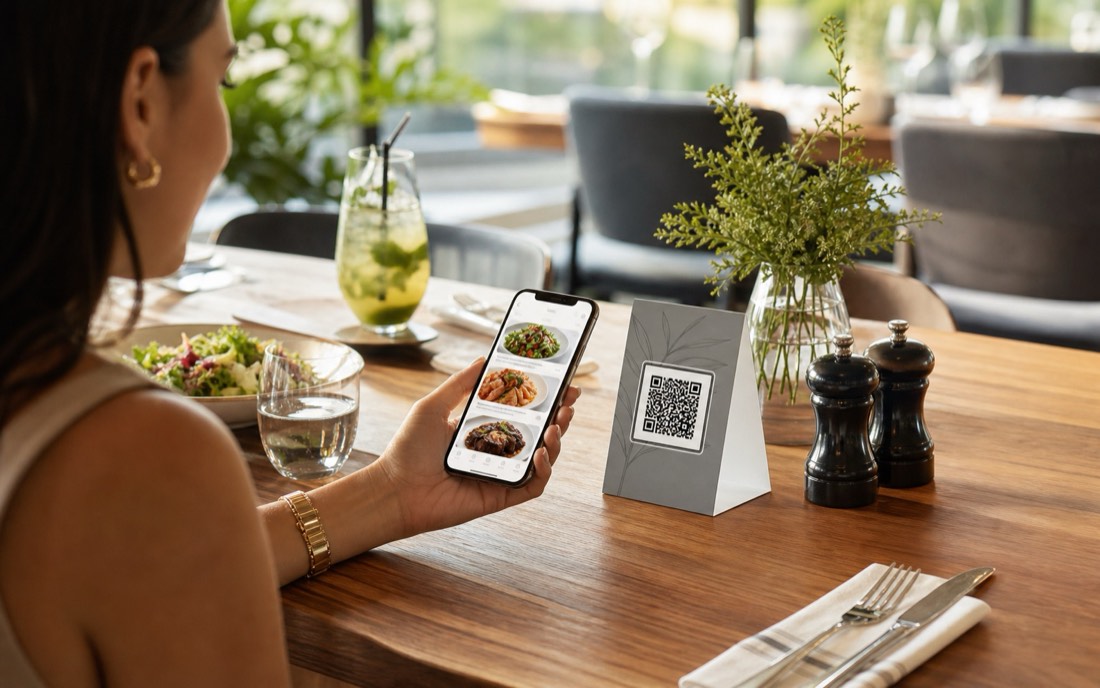
When QR menus accept actions without staff control, tables move faster but operations get noisier. MenuSuite keeps the scan simple and the handoff reviewed.
Guests open a table-aware QR menu and take real actions, not just browse a PDF.
Staff sees the table, items, notes, and service requests before work reaches prep.
Only approved orders become kitchen work, with table and guest notes still visible.
Owners keep menu, QR assets, staff access, branch settings, and reporting together.
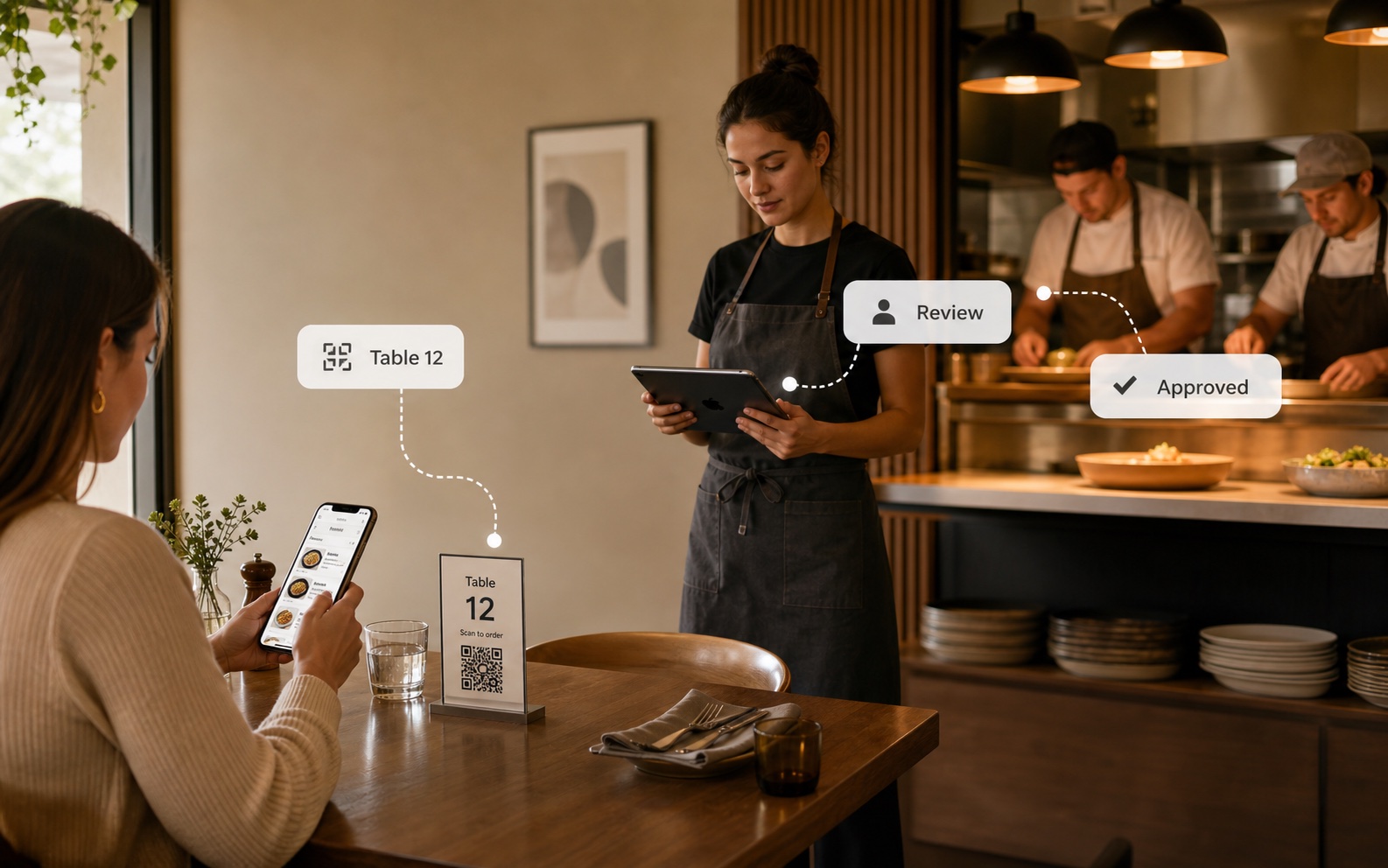
Guests move fast. Staff still controls what reaches prep, with table context carried from scan to kitchen display .
Guests only need the menu. Owners need QR ordering rules, staff review, handoff routing, and protected access to stay under control.
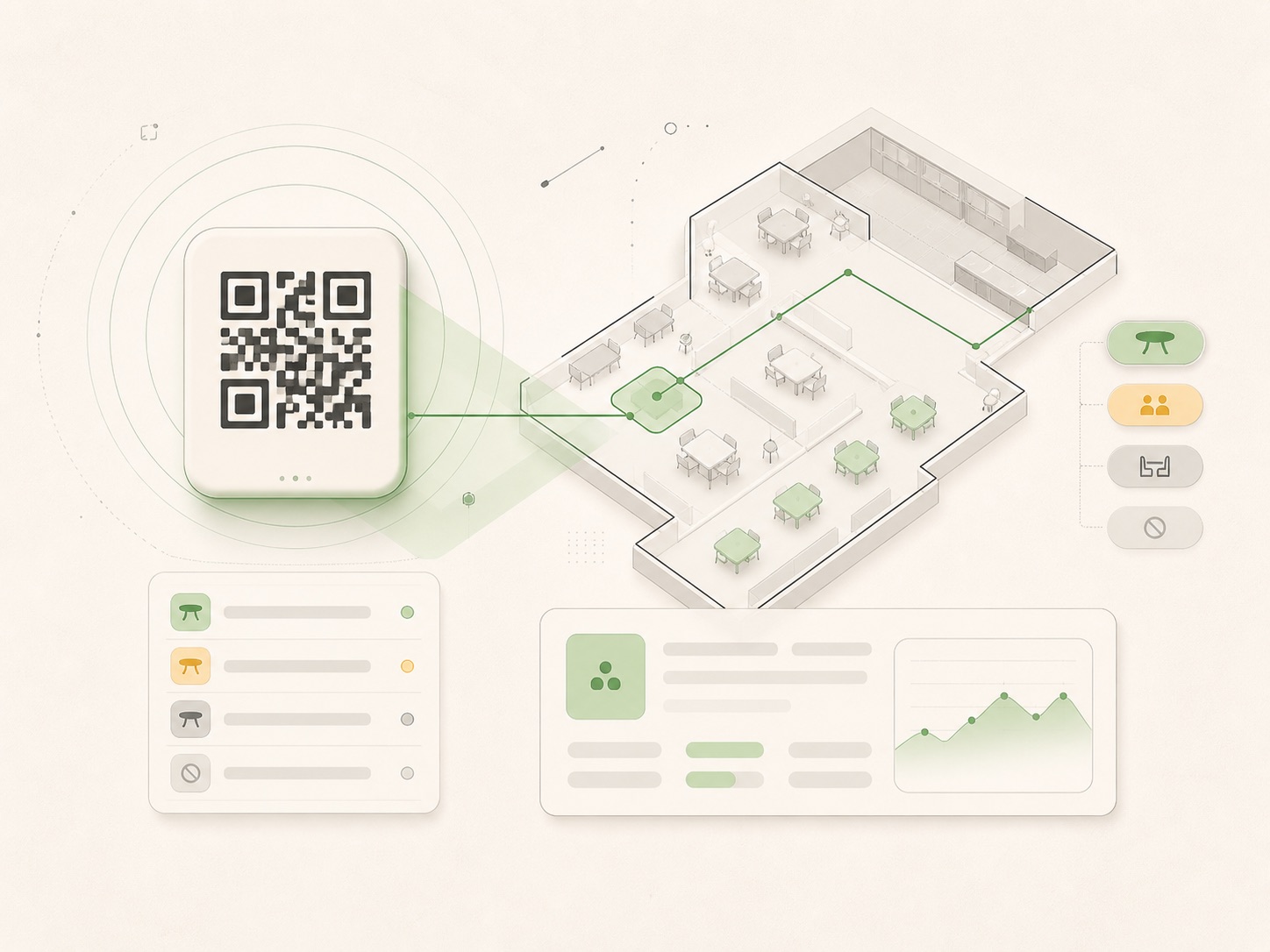
Create table-aware QR assets, scan modes, flyers, and guest entry points from the workspace.
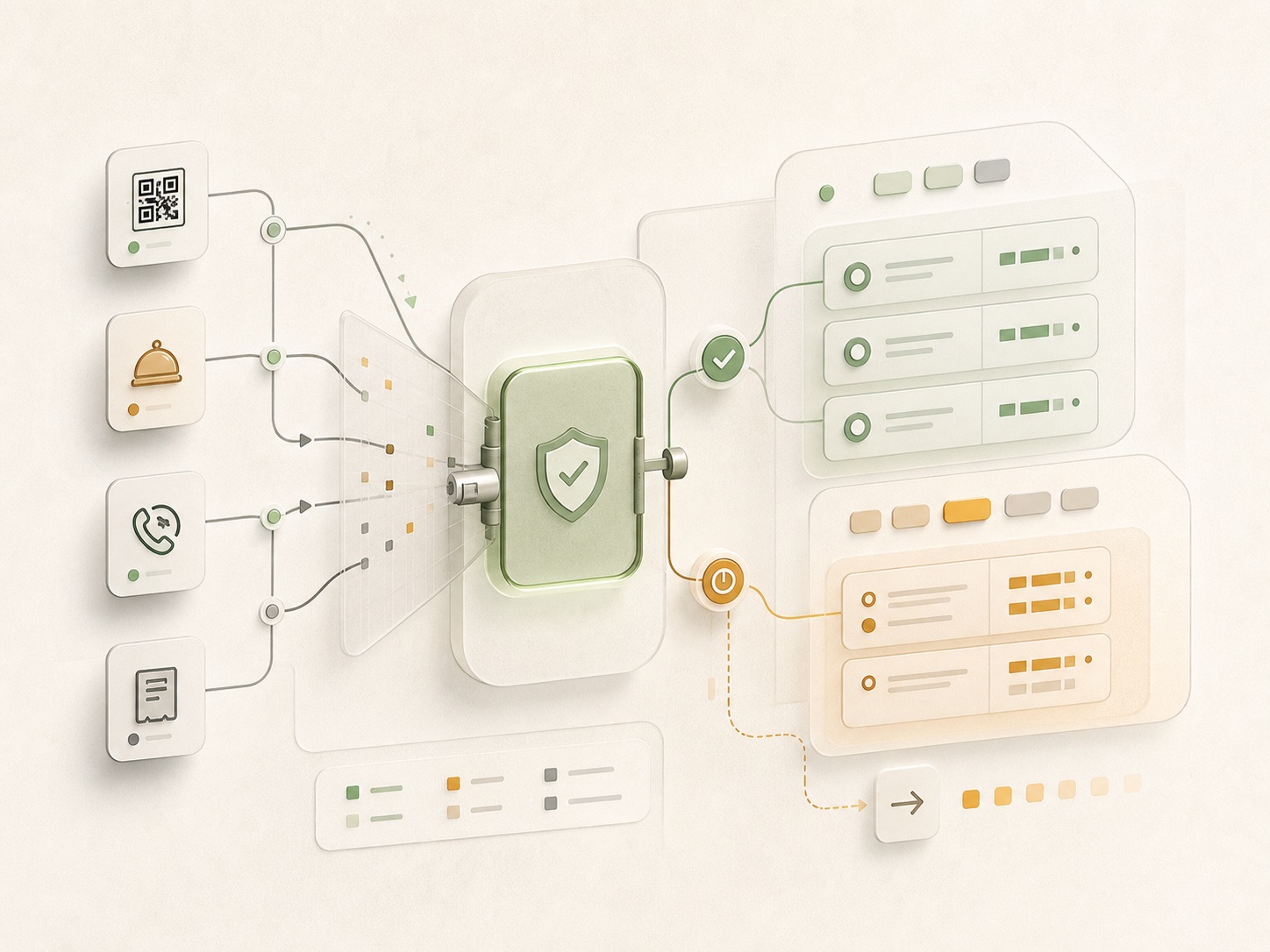
Choose how QR orders, platform orders, waiter calls, bill requests, and cooldowns enter staff review.
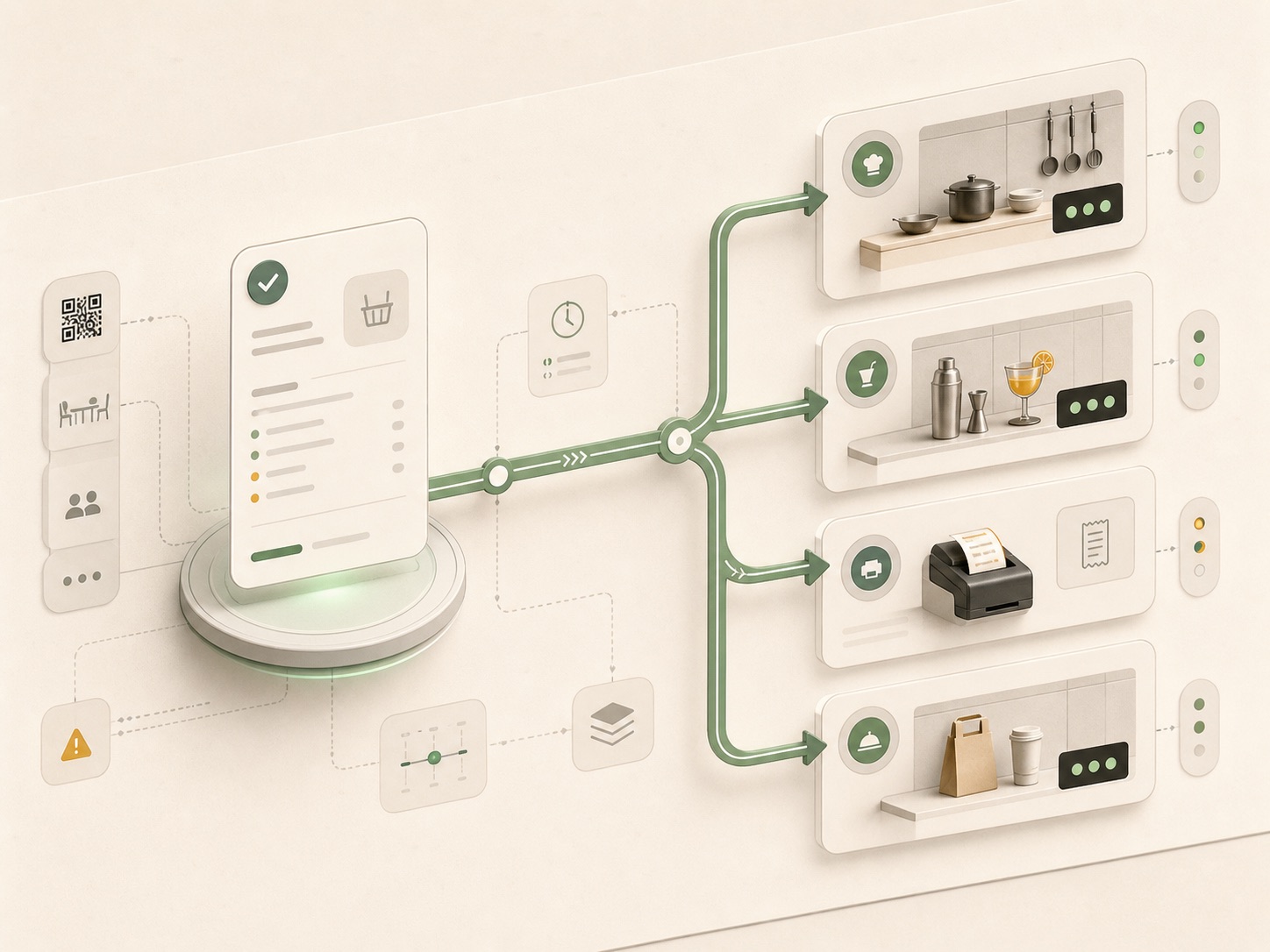
Keep receipt printers, production stations, ticket templates, and kitchen handoff aligned with service.
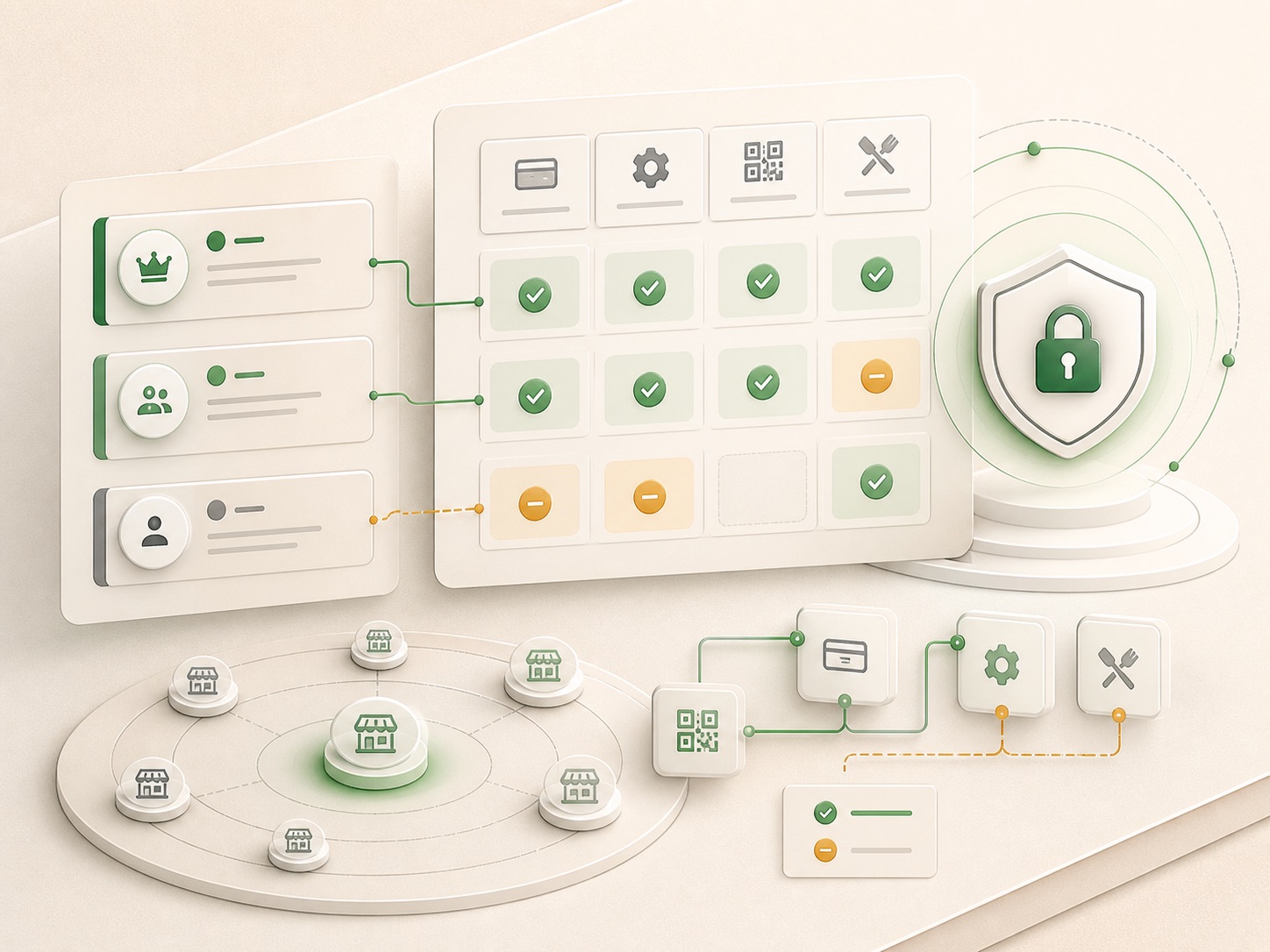
Keep owner-only billing, manager settings, staff access, and external links inside the same control model.
80+ themes can carry the guest menu and white-label staff dashboard without changing table context or staff review.
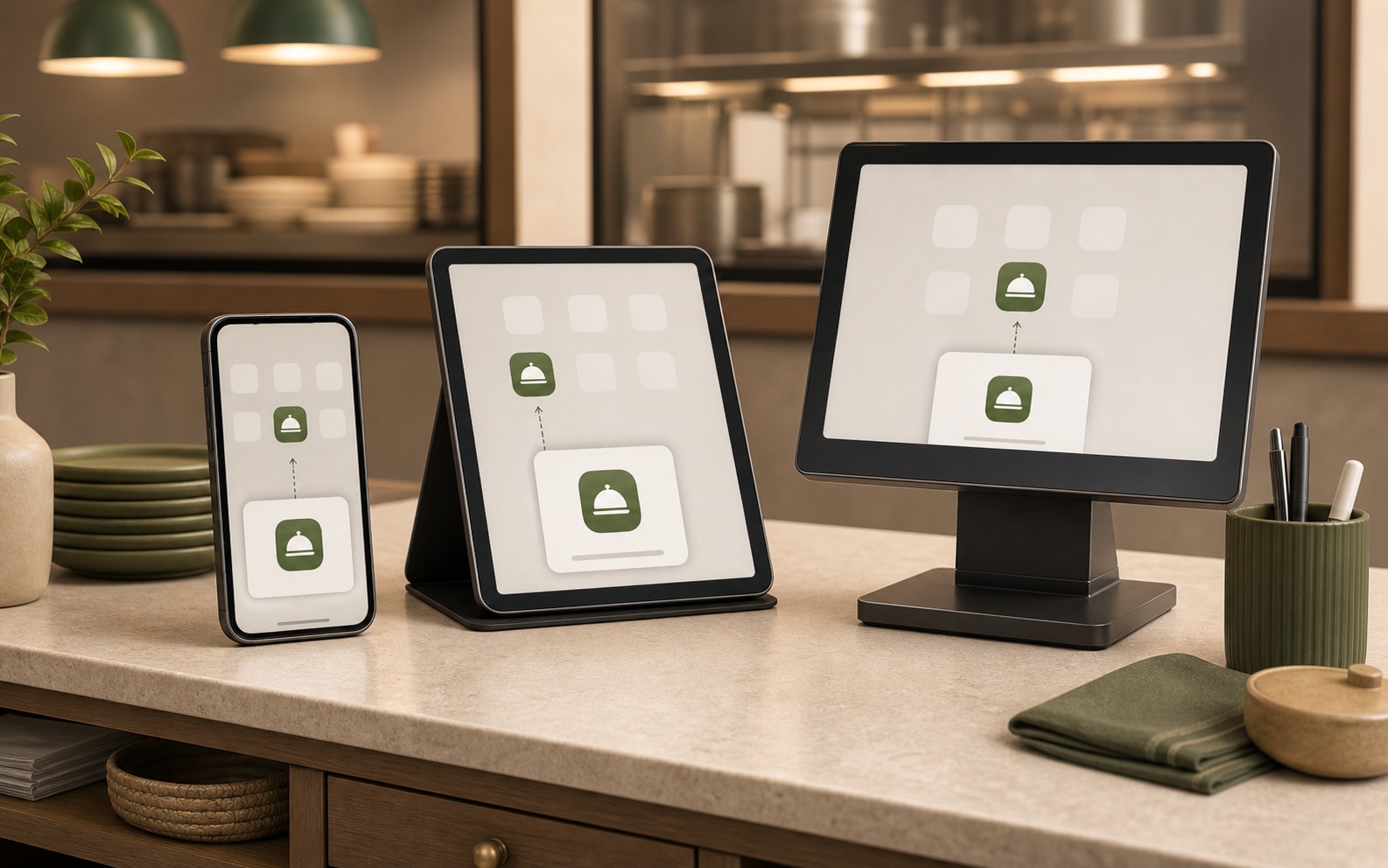
Staff can add MenuSuite to supported mobile home screens or desktop app launchers without an app store.
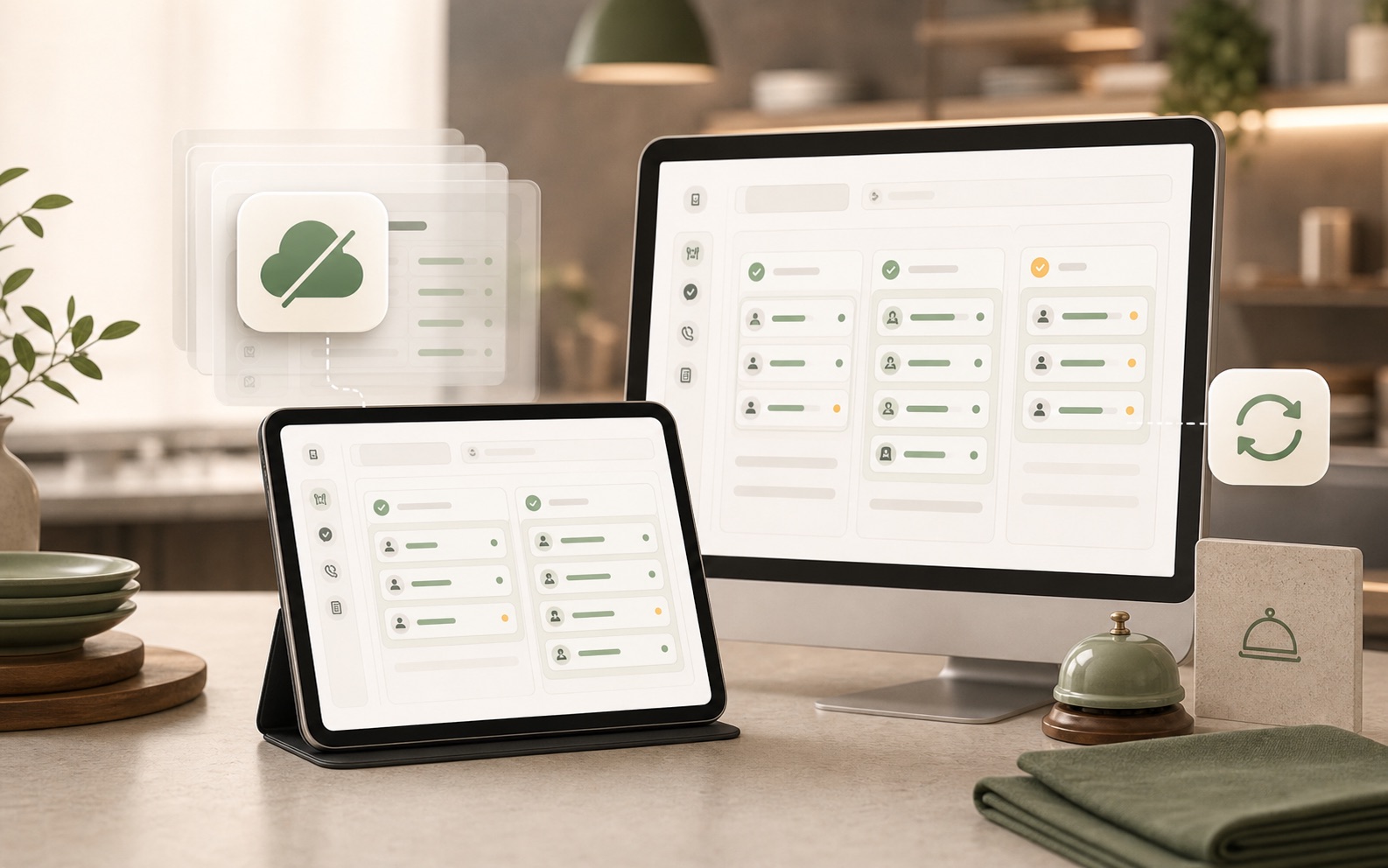
The staff shell can show a cached read-only state until the connection returns.
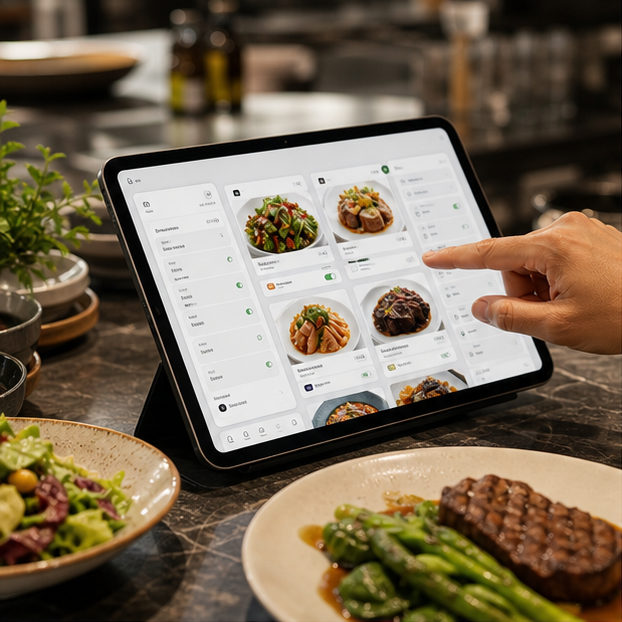
Create categories, items, availability, guest details, and the guest look.
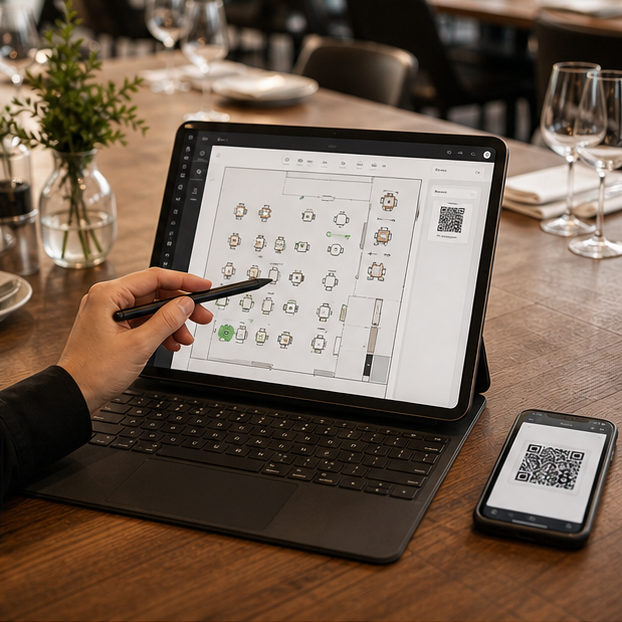
Create tables, zones, QR assets, staff access, and service policies.
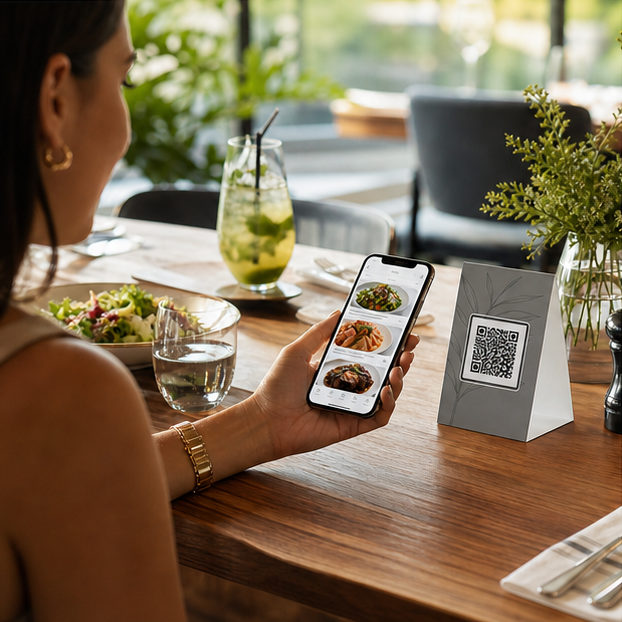
Guests order, call staff, and request the bill from the table QR flow.

Add the staff workspace to existing phones, tablets, or desktops before service.
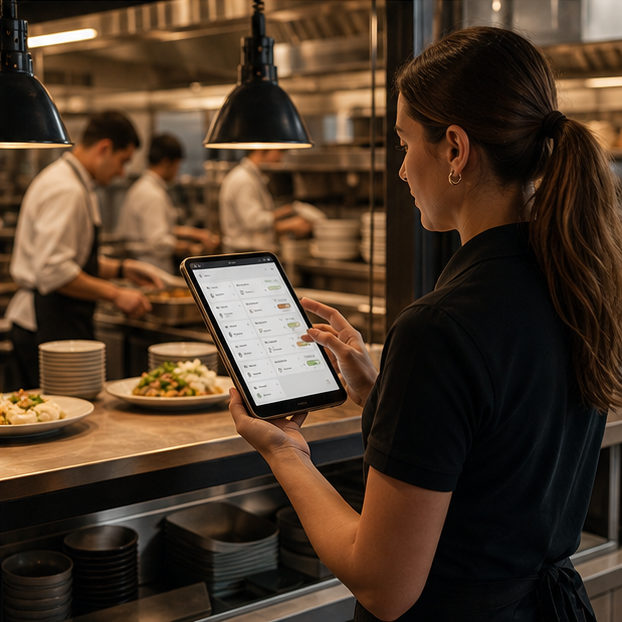
Staff reviews orders before kitchen handoff and keeps service requests visible.
Menu, restaurant operations , staff review, kitchen flow, analytics, and settings stay together.
For cafes and restaurants that want QR ordering without losing floor control.
Continue with Google or magic link. Workspace setup starts after authentication.
Short answers for owners comparing QR menu tools , pay at table , and live operations software .
A static QR menu only shows items. MenuSuite lets guests order, request service, and ask for the bill while staff keeps approval and kitchen handoff under control.
Yes. Guest actions such as waiter call and bill request stay tied to the table context and appear in staff operations.
No. MenuSuite is approval-first, so staff can review orders before kitchen prep begins.
No. Guests start from the table QR in the browser. The installable app behavior is for staff devices, not a guest app requirement.
Yes. The staff workspace is designed as an installable web app for supported phones, tablets, and desktops, so teams can use existing devices.
No dedicated kiosk is required for the core service flow. Printer, KDS, and device setup still depends on each restaurant operation.
Staff can keep a read-only view visible. New actions wait for reconnection so the team does not work from stale data.
Yes. Guest menu themes can change the customer-facing look while the service flow stays consistent.
Both. The product keeps menus, QR assets, staff access, and settings scoped per restaurant or branch.
A static QR menu only shows items. MenuSuite lets guests order, request service, and ask for the bill while staff keeps approval and kitchen handoff under control.
Yes. Guest actions such as waiter call and bill request stay tied to the table context and appear in staff operations.
No. MenuSuite is approval-first, so staff can review orders before kitchen prep begins.
No. Guests start from the table QR in the browser. The installable app behavior is for staff devices, not a guest app requirement.
Yes. The staff workspace is designed as an installable web app for supported phones, tablets, and desktops, so teams can use existing devices.
No dedicated kiosk is required for the core service flow. Printer, KDS, and device setup still depends on each restaurant operation.
Staff can keep a read-only view visible. New actions wait for reconnection so the team does not work from stale data.
Yes. Guest menu themes can change the customer-facing look while the service flow stays consistent.
Both. The product keeps menus, QR assets, staff access, and settings scoped per restaurant or branch.
Give guests a simple scan while staff keeps the right work moving.
Continue to MenuSuite