
Buyer guide
What is a QR menu?
A plain-language guide to QR menus, when they help, and when a restaurant needs more than a menu link.
The simple answer
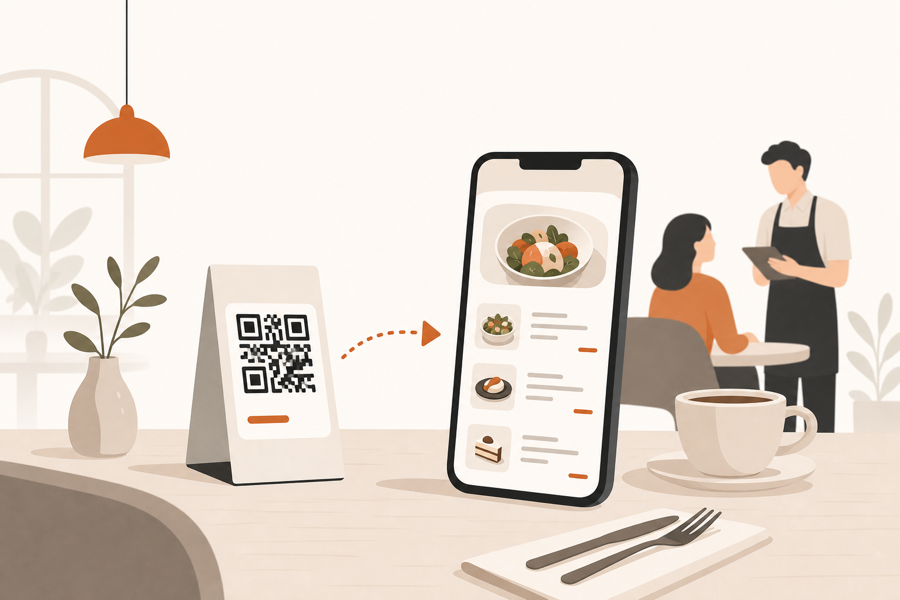
A QR menu is a digital menu guests open by scanning a QR code with their phone.
In the simplest version, the code opens a menu page or PDF. Guests can read dishes, prices, ingredients, and specials without waiting for a printed menu.
That is useful, but it is important to name the limit early: a QR menu is not always a QR ordering system. Many QR menus only help guests browse. They do not automatically handle table context, staff approval, kitchen tickets, or service requests.
What a QR menu usually does
A good QR menu helps guests read the menu faster and helps staff avoid small menu-update problems.
Common uses:
- Show the current menu from a phone.
- Update prices or dishes without reprinting paper menus.
- Add photos, ingredients, allergens, or categories.
- Let guests browse before staff takes the order.
- Keep printed menus as backup for guests who prefer them.
For some restaurants, this is enough. If staff still takes every order manually and the QR code is only there to publish the menu, a simple QR menu can work well.
Where the confusion starts
Restaurants often expect a QR menu to solve service problems it was never designed to solve.
A browse-only QR menu does not know which table scanned the code. It does not decide whether an order should go to the kitchen. It does not help staff review notes, timing, or service requests.
That is why two restaurants can both say they use QR menus, but mean different things:
| Restaurant need | What you need |
|---|---|
| Guests only need to read the menu | QR menu |
| Menu changes often | QR menu |
| Guests should order from the table | QR ordering system |
| Staff must approve before kitchen work | QR ordering system |
| Waiter call, bill request, and table context should stay connected | QR ordering system |
When a QR menu is enough
A QR menu is usually enough when the restaurant wants a better way to publish information.
Good fit:
- Small cafes with simple service.
- Bars where guests browse first, then order with staff.
- Restaurants that mainly want easier menu updates.
- Venues that already have a smooth staff-led ordering flow.
In these cases, do not over-buy. A simple, fast, readable menu can be the right tool.
When you need more than a QR menu
You need more than a QR menu when guests are expected to take action from the table.
That usually means:
- Guest orders should carry table context.
- Staff should review requests before the kitchen sees them.
- Service requests should appear in the same workflow.
- Kitchen handoff should be clean and approved.
- Staff should not rewrite every guest request by hand.
At that point, you are not only choosing a digital menu. You are choosing a service workflow.
For that decision, read QR menu vs QR ordering system.
Practical checklist
Before choosing software, ask five questions:
- Do guests only need to read the menu?
- Will staff still take every order manually?
- Do tables need their own QR codes?
- Should staff approve guest orders before kitchen work?
- Should waiter calls and bill requests live in the same table flow?
If the answer is mostly yes to the first two questions, a QR menu may be enough.
If the answer is yes to questions three, four, or five, look at a QR ordering workflow instead.
Where MenuSuite fits
MenuSuite starts with the QR menu, but it is built for restaurants that need more than browsing.
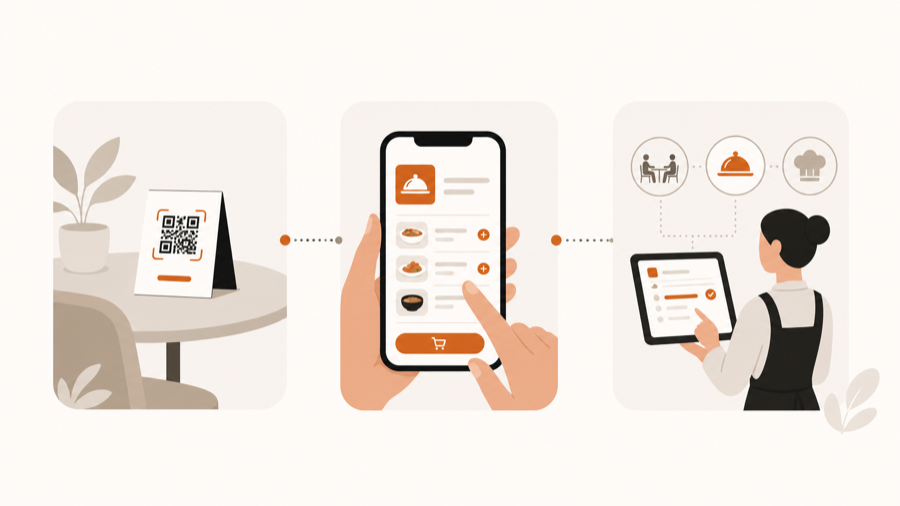
Guests can scan from the table, browse the live menu, send service requests, or place an order. Staff stays in the flow before kitchen handoff, so the QR code supports service instead of replacing it.
If you want the practical upside first, read QR menu benefits for restaurants. If you are comparing options, start with QR menu software, then decide whether browse-only is enough or whether your restaurant needs staff-controlled ordering.
Further reading
- Square explains common QR use cases in QR code generator and QR code ideas.
- For academic background on QR code menu satisfaction, see Enhancing customer loyalty through QR code menu system.