
Practical guide
QR menu vs QR ordering system
A clear guide to choosing between a simple QR menu and a table-aware ordering workflow.
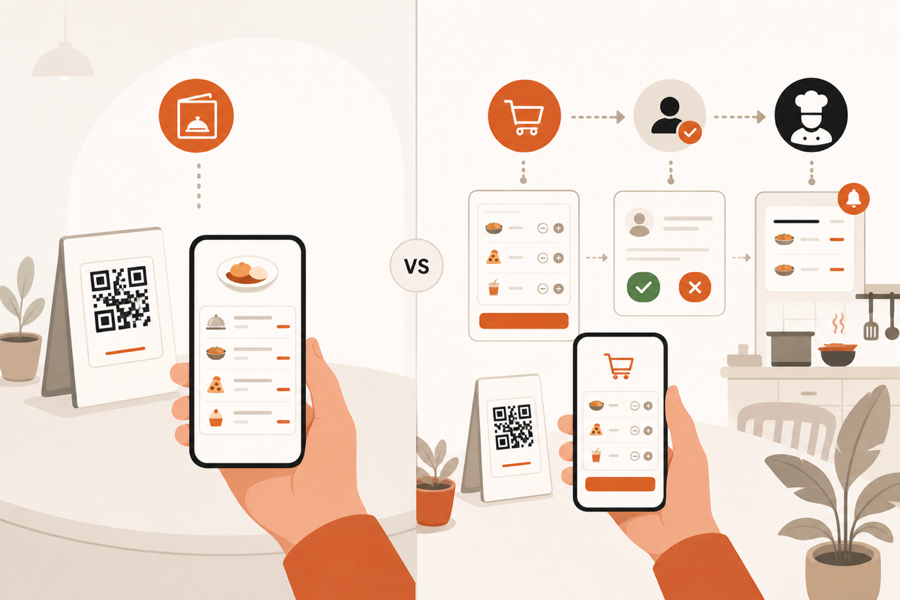
The short version
A QR menu helps guests read the menu from their phone. A QR ordering system lets guests take action from the table.
That difference matters. A browse-only menu can be enough for a quiet cafe. A busy restaurant usually needs more than a menu link. It needs table context, staff review, service requests, and a clean handoff to the kitchen.
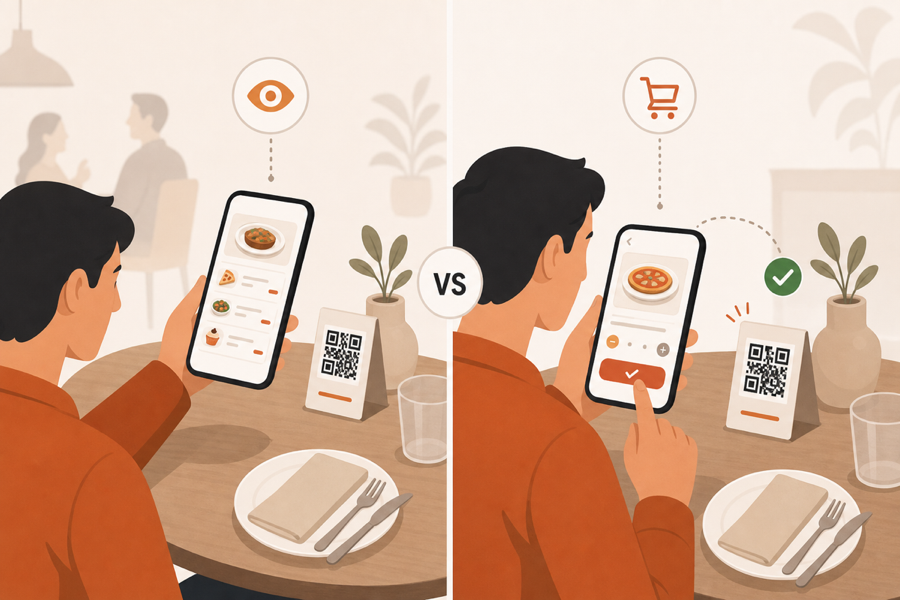
What a QR menu does
A QR menu is the simplest version of the idea. Guests scan a code and open a menu page or PDF.
It is useful when the goal is only to publish the menu:
- Show dishes and prices.
- Update menu content without printing new menus.
- Help guests browse before staff takes the order.
- Keep paper menus as backup.
If staff still takes every order by hand, a QR menu can work well. The QR code is only a faster way to open the menu.
What a QR ordering system does
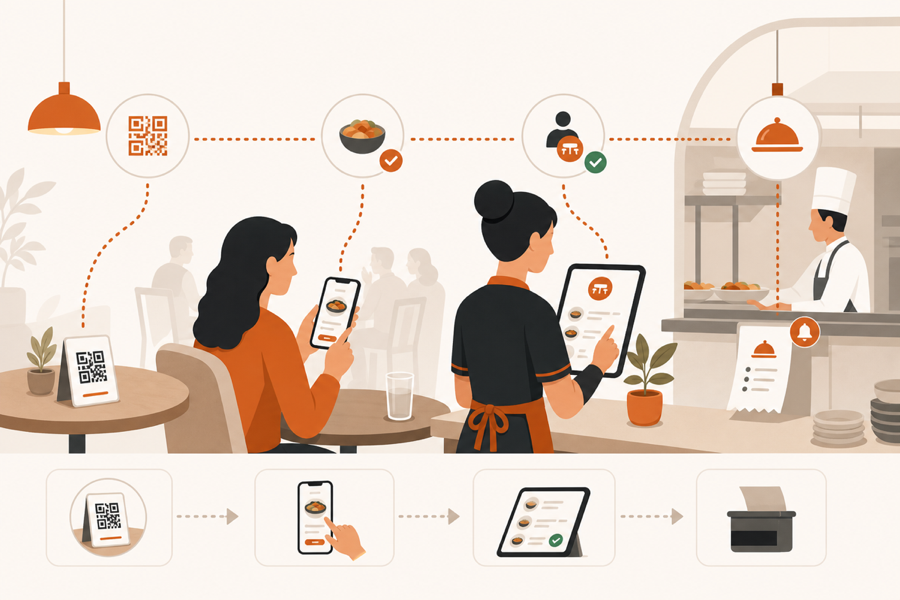
A QR ordering system connects the table scan to the restaurant workflow.
Guests can browse the menu, add items, send service requests, or ask for the bill. Staff can see the table context and decide what should move forward. Kitchen work starts only after the team has the right information.
That is the real difference: ordering is not only a guest screen. It is a service flow.
Where simple QR menus fall short
Simple QR menus often fail when restaurants expect them to do operational work.
Common gaps:
- The QR code does not know the table.
- Guests can browse, but cannot request anything.
- Staff still has to rewrite or relay the order.
- Kitchen does not receive a clean approved ticket.
- Service requests live outside the menu flow.
- Menu updates are easy, but table service is still manual.
None of these are QR code problems. They are workflow problems.
How to choose
Use this simple rule:
| Restaurant need | Better fit |
|---|---|
| Guests only need to read the menu | QR menu |
| Staff takes every order manually | QR menu |
| Guests should order from the table | QR ordering system |
| Staff must approve before kitchen work | QR ordering system |
| Tables, service requests, and kitchen handoff must stay connected | QR ordering system |
If the goal is publishing, choose a QR menu. If the goal is service flow, choose a QR ordering system.
Why staff approval matters
Sending every guest order straight to the kitchen can create noise. A table may need a waiter first. A guest may add a note that staff should check. The kitchen may need timing, table context, or a clean approved ticket.
Staff approval keeps hospitality in the flow. Guests still get faster table service, but the team does not lose control.
For a deeper look at this flow, read the guide to QR ordering with staff approval.
Where MenuSuite fits
MenuSuite is for restaurants that need more than a static QR menu.
The QR page is the guest entry point. Behind it, MenuSuite connects table-aware ordering, staff approval, service requests, and kitchen handoff.
If browse-only is enough, a simple QR menu may be the better choice. If cost is the blocker, read the QR menu pricing guide. If payment hardware is part of the question, read POS-less payments for restaurants. If guests should act from the table while staff stays in control, a QR ordering system is the safer fit.
You can also compare this with a static menu flow in Static QR menu vs MenuSuite.
Further reading
- The National Restaurant Association gives broader operator technology context in Where operators plan to invest in tech.
- Square explains table-service technology in Tableside ordering and pay at table.