
Buyer guide
QR menu vs PDF menu
A practical guide to choosing between a static PDF menu and a mobile-friendly QR menu for restaurants.
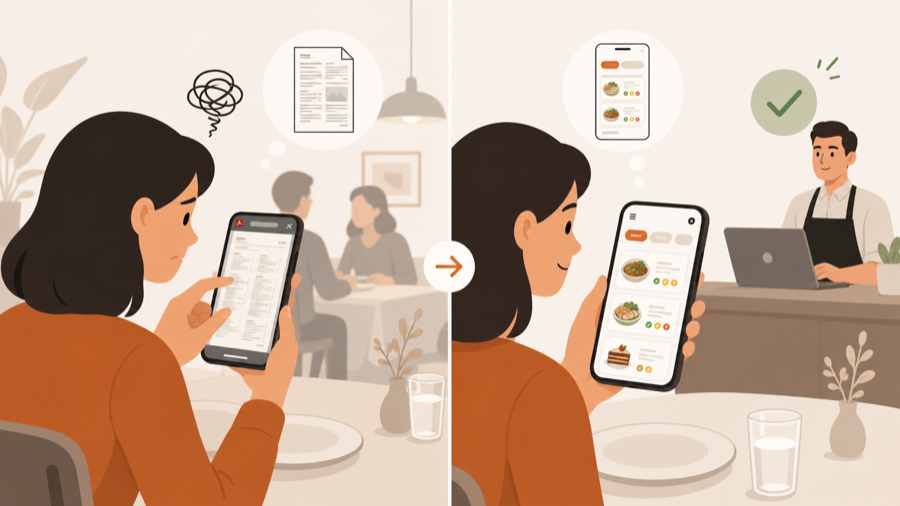
The quick difference
A PDF menu is a file. A QR menu is a mobile menu guests open from a QR code.
That sounds small, but guests feel the difference quickly. A PDF often needs zooming, sideways scrolling, and careful tapping. A live QR menu can show categories, dish cards, prices, photos, and allergen notes in a phone-friendly layout.
If guests only need to read the menu, both can work. If you want the menu to feel good on a phone, a live QR menu usually wins.
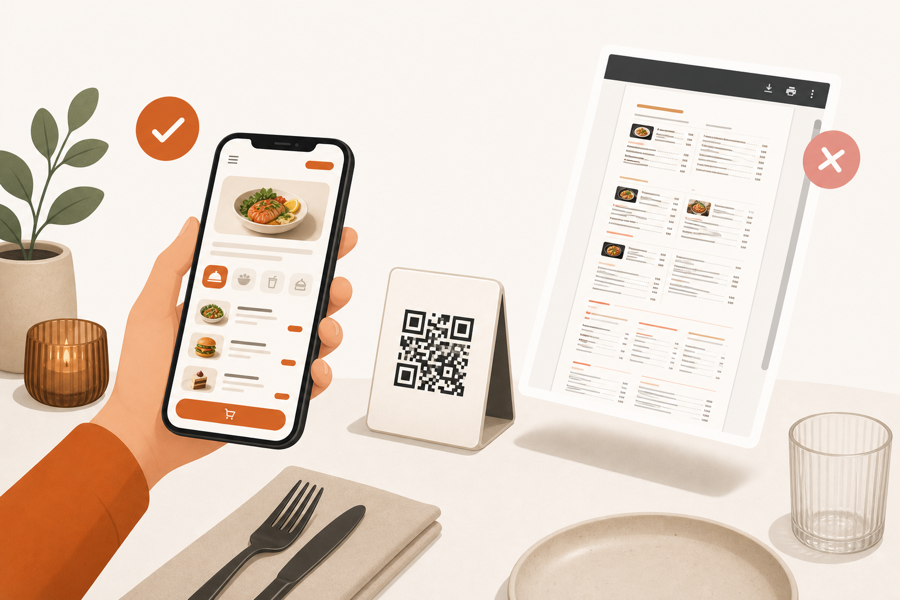
Why restaurants start with PDF menus
PDF menus are common because they are easy to launch.
You already have a menu file. You upload it, create a QR code, print stickers, and place them on tables. For a first test, that can be enough.
PDF menus are useful when:
- The menu rarely changes.
- Guests only need to read prices and dishes.
- Staff still takes every order manually.
- The restaurant wants a quick digital backup for paper menus.
This is the lightest path. No extra workflow. No new service process. Just a menu file behind a QR code.
Where PDF menus become frustrating
Problems start when a PDF is treated like a real mobile menu.
Guests may need to zoom in to read dish names. Long pages can feel slow. Categories are harder to scan. Updates can create version confusion when old files or old QR links are still around.
Common PDF menu issues:
| Problem | What guests feel |
|---|---|
| Tiny text on phone | Zooming and scrolling instead of browsing |
| Long single file | Hard to jump between categories |
| No dish cards | Less room for photos, notes, or allergen hints |
| Manual file updates | Staff may share the wrong version |
| No table action | Guest still waits for staff after reading |
None of this means PDF is always bad. It means PDF is a publishing shortcut, not a full guest experience.
What a live QR menu improves
A live QR menu is designed for phone browsing from the start.
It can show clear categories, readable dish names, simple modifiers, photos, labels, and current availability. It can also be updated without asking guests to pinch and zoom through a file.
For restaurants, this matters because the QR code is often the first digital touchpoint at the table. If the menu is hard to read, guests blame the QR experience, not the file format.
When PDF is still enough
Keep a PDF menu if the job is simple.
PDF is enough when:
- Your menu is short.
- Changes are rare.
- Guests usually order with staff.
- You want the lowest-maintenance digital menu.
- You keep printed menus available.
In that case, do not overcomplicate it. A clean PDF with large type and clear sections can work.
When to move to a QR menu
Move beyond PDF when the menu itself needs to help guests choose.
Choose a live QR menu when:
- Guests struggle to read the PDF on phones.
- You update prices, items, or availability often.
- You want categories and dish details to be easy to scan.
- You need allergen notes, photos, or specials to be visible.
- You want a path toward table ordering later.
If the restaurant also wants guests to order, call a waiter, or request the bill from the table, the next step is not only a QR menu. It is a QR ordering workflow.
Read QR menu vs QR ordering system for that decision.
Simple decision rule
Use this rule:
| Restaurant situation | Better fit |
|---|---|
| You need a quick digital copy of the paper menu | PDF menu |
| Your menu is short and rarely changes | PDF menu |
| Guests complain about zooming or scrolling | Live QR menu |
| You update dishes or prices often | Live QR menu |
| Guests should take action from the table | QR ordering system |
Start with the lightest tool that solves the real problem.
Where MenuSuite fits
MenuSuite is not built around a static PDF menu. It uses the QR scan as the start of a live table experience.
Guests can browse a phone-friendly menu, then send service requests or orders when the restaurant wants that workflow. Staff still stays in control before kitchen handoff.
If you are still defining the basics, start with What is a QR menu?. If your bigger question is whether printed menus should stay on the table, read QR menu vs paper menu. If you already know PDF is too limited, compare the broader software expectations in QR menu software.
Further reading
- Square explains QR use cases in QR code generator and QR code ideas.
- Square covers menu structure basics in How to make a restaurant menu.