
Practical guide
Why QR menus fail in restaurants
Most QR menu problems come from weak service design, not the QR code itself.
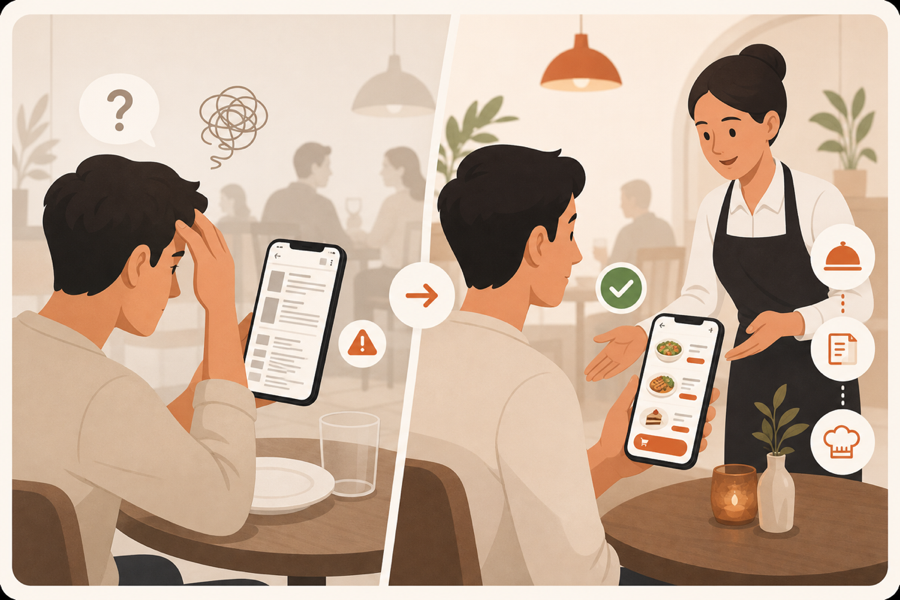
The common complaint
Guests usually do not hate QR codes. They hate QR menus that make service feel slower, colder, or more confusing.
A bad QR menu opens a hard-to-read file, hides important dish details, or makes guests wait anyway because staff still has to take the real order. In that case, the QR code becomes one more step instead of a better service experience.
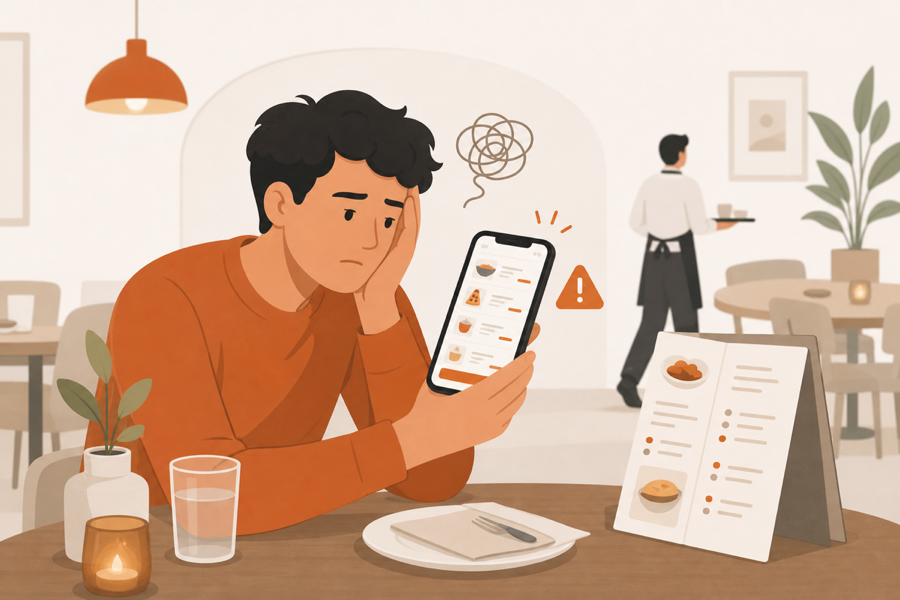
Where QR menus go wrong
Most failures come from a few simple problems:
- The menu is only a file, so guests still cannot order.
- The QR code does not know the table.
- Staff cannot review guest requests before kitchen work starts.
- Menu changes require new stickers or new printed material.
- Guests need to download an app or create an account.
- Service requests and bill requests live somewhere else.
None of these problems are solved by the QR code alone. They are service flow problems.
What a better setup looks like
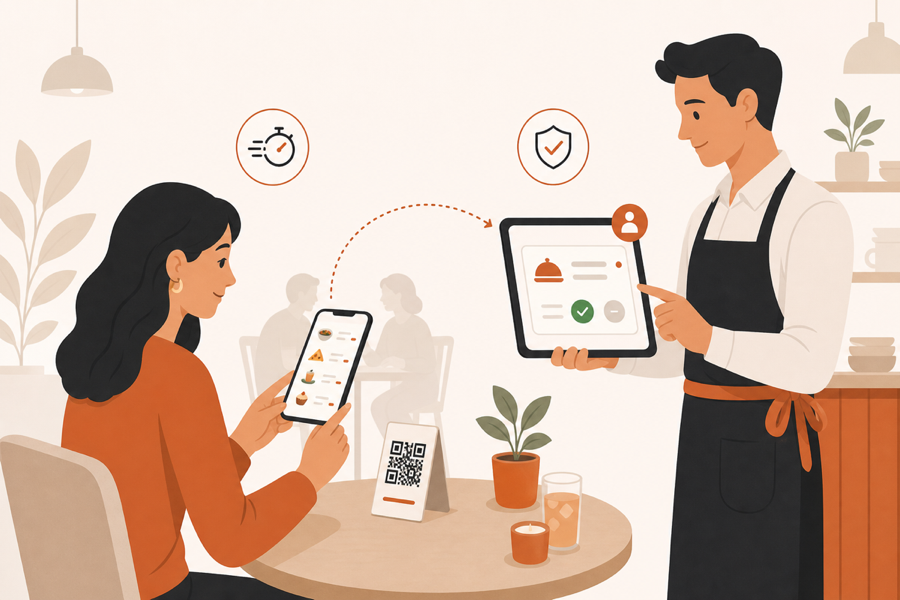
A better table QR experience should help both guests and staff.
Guests should be able to open the menu quickly, understand the dishes, and ask for what they need from the table. Staff should still see the table, review the request, and decide what moves to the kitchen.
That balance matters. Guests get speed, while the restaurant keeps control.
What to check before replacing paper menus
Before rolling out QR menus, ask:
- Can guests browse without installing anything?
- Can staff see which table sent the request?
- Can staff approve orders before the kitchen sees them?
- Can your team update the menu without reprinting everything?
- Do you still have a simple backup for guests who prefer paper?
If the answer is yes, QR menus can improve service. If the answer is no, the restaurant may only be moving paper-menu problems onto a phone screen.
Where MenuSuite fits
MenuSuite is built for restaurants that want QR ordering without losing staff control. The guest scan starts the request, but staff review and kitchen handoff stay part of the service.
That is the difference between showing a menu and running a table service flow.
Further reading
- For customer-facing QR basics, Square covers common uses in QR code generator and QR code ideas.
- For academic background on QR code menu satisfaction, see Enhancing customer loyalty through QR code menu system.