
Practical guide
QR ordering with staff approval
Let guests order from the table without sending every request straight to the kitchen.
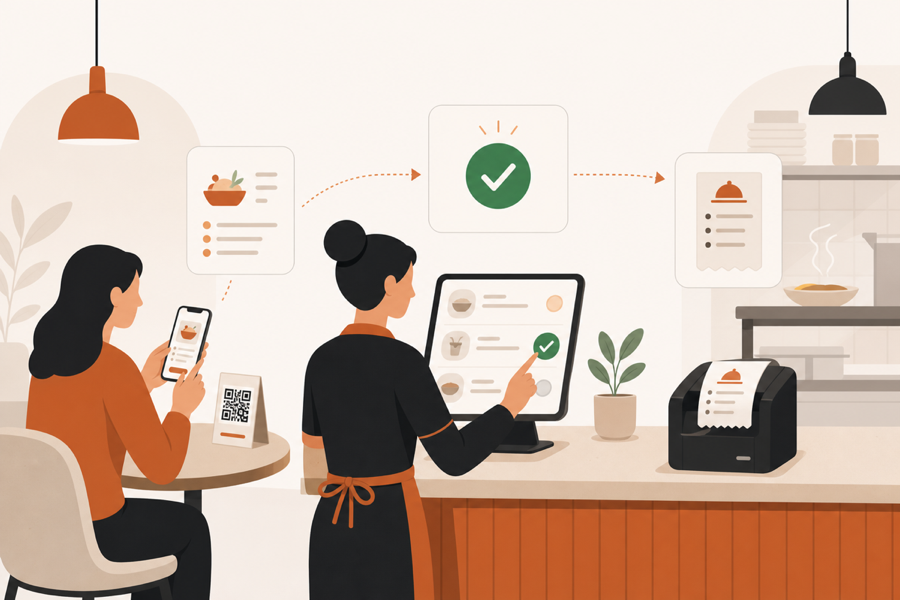
The restaurant situation
A QR menu is easy to publish. Table ordering needs more care because every guest request still has to fit the way your team serves guests.
If every table order goes straight to the kitchen, staff can lose context. If the QR only opens a menu file, guests can browse, but staff still has to collect the real order manually.
MenuSuite keeps the table scan connected to staff review and kitchen work.

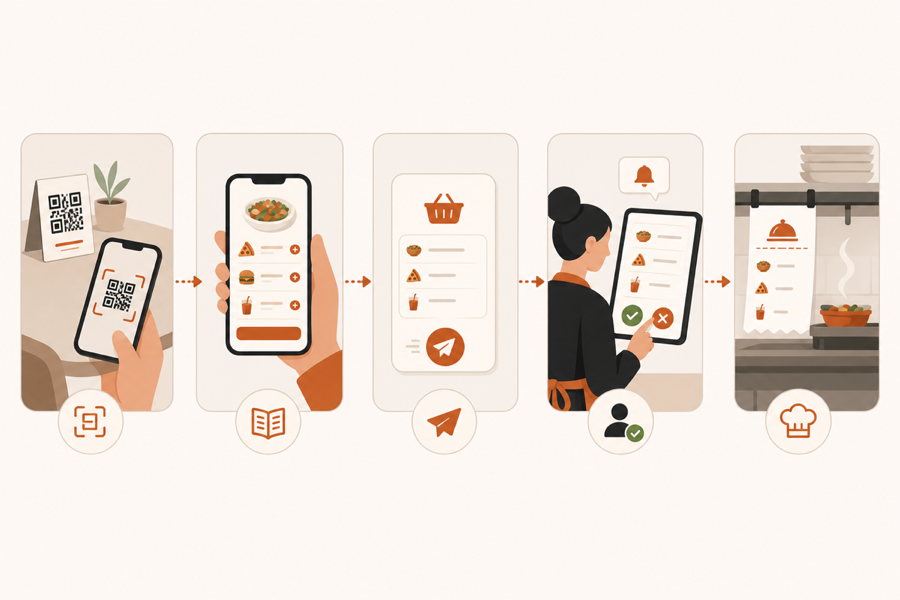
The service flow
- Guest scans the table QR code.
- Guest browses the live menu without installing an app.
- Guest sends an order or service request from the table.
- Staff reviews the action with table context.
- Approved work reaches the kitchen with the right table details.
That review step matters. It keeps hospitality control in the loop while still reducing waiting and manual relays.
What to check before choosing a system
Before choosing a system, check these points:
- Can staff approve or reject a guest order before the kitchen sees it?
- Does the order carry table context?
- Can service requests and bill requests live in the same flow?
- Can menu changes be published without reprinting table stickers?
- Can staff use existing phones, tablets, or desktops?
If the answer is mostly no, the system may only show the menu instead of helping your team manage service.
Where this works best
QR ordering with staff approval fits cafes, bars, and casual restaurants where guests want speed, but the venue still wants staff control.
It is less useful when the restaurant only wants a simple online menu link. In that case, a basic QR menu can be enough. If small service requests are the main friction, read Waiter call from QR code. If checkout is the bigger wait, read Pay at the table with mobile payments.
Further reading
- The National Restaurant Association gives broader operator technology context in Where operators plan to invest in tech.
- Square explains table ordering and pay-at-table patterns in Tableside ordering and pay at table.