
Step-by-step guide
Waiter call from QR code
A practical guide to letting guests ask for help from a table QR code while staff keeps table context.
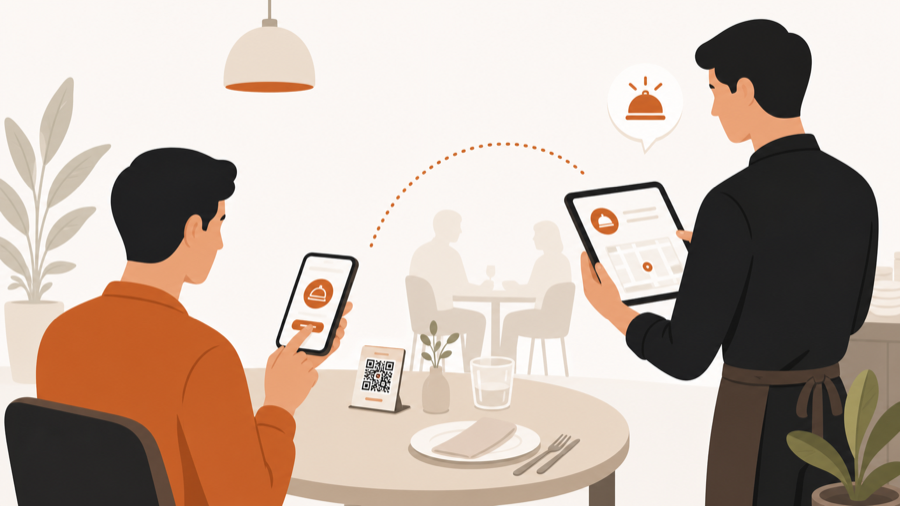
Small requests should not become table friction
Many table service problems are not full orders.
A guest may need water, napkins, another spoon, help with the menu, or a quick question answered. During a busy service, those small requests are easy to miss if the guest has to wave, wait, and hope someone notices.
A waiter call from QR code gives guests a quiet way to ask for help from the table. Staff still handles the moment, but the request arrives with the table attached.
Waiter call is not an order
This distinction matters.
An order usually needs menu items, notes, approval, and kitchen handoff. A waiter call is a service signal. It says: this table needs staff attention.
Mixing those two can make operations noisy. A request for water should not sit beside food tickets. A question about the bill should not look like kitchen work.
The better setup keeps service requests visible to staff, but separate from approved kitchen work.
Why table context matters
A generic alert like “guest needs help” is not enough.
Staff needs to know:
- which table asked
- what kind of help is needed
- whether the table has an active order
- whether another request is already open
- whether the request has been handled
That context turns a notification into a clear next action.
The simple flow
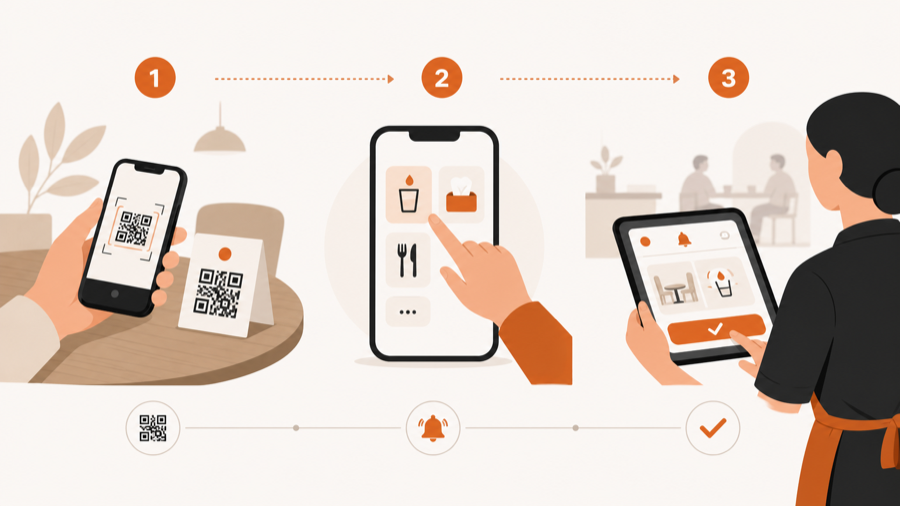
A good waiter call flow is short:
- Guest scans the table QR code.
- Guest chooses a help request.
- Staff sees the request with table context.
- Staff helps the table.
- Staff marks the request resolved.
The guest gets a clear way to ask. Staff keeps control of service.
When it helps most
Waiter call from QR code works best in places where guests stay at a table and staff moves around the room.
Good fits:
- cafes with outdoor seating
- bars and pubs during busy hours
- casual restaurants
- terraces and garden areas
- venues where guests often ask for water, napkins, or the bill
It is less useful when every guest orders and pays at the counter before sitting down.
What can go wrong
The weak version is just a loud button.
| Weak setup | Better setup |
|---|---|
| generic call notification | table-aware service request |
| requests mixed with kitchen orders | separate service queue |
| no request type | clear reason for help |
| no resolved state | staff can close the loop |
| app download required | no-app table QR flow |
The goal is not to add more alerts. The goal is to make small service moments easier to see and finish.
Where MenuSuite fits
MenuSuite treats waiter call as part of the table service flow.
Guests can scan from the table, browse the menu, request help, ask for the bill, or place an order. Staff sees the table context and reviews what should happen next before kitchen handoff is involved.
If guests often wait for the check, read Bill request from table QR. If guests should also order from the table, read QR ordering with staff approval. If you are still choosing between a simple menu and a service workflow, read QR menu vs QR ordering system.
Further reading
- Square explains table-service technology in Tableside ordering and pay at table.
- For broader operator technology context, see the National Restaurant Association's Where operators plan to invest in tech.