
Step-by-step guide
Restaurant QR ordering without app downloads
A practical guide to letting guests scan, browse, order, and request service from their phone without forcing an app install.
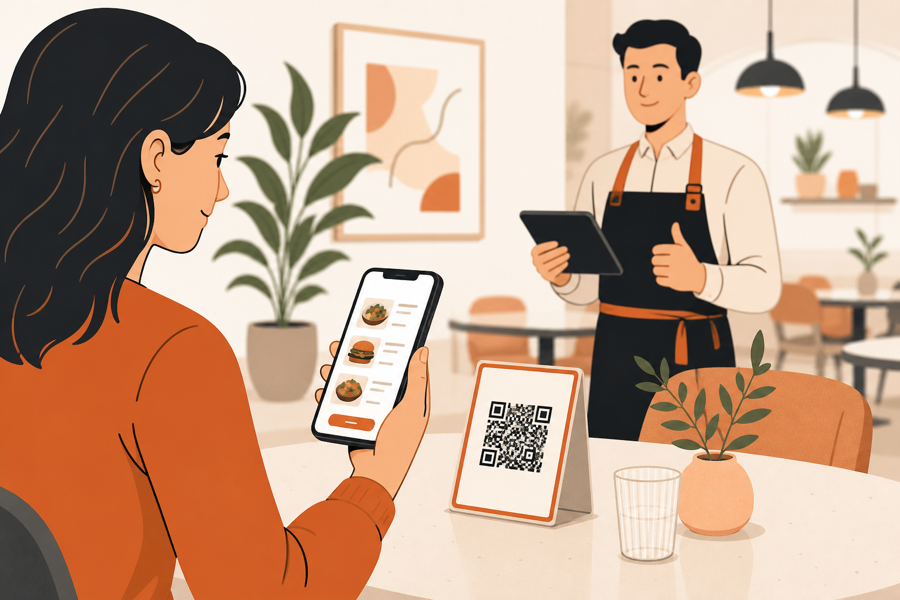
The guest should not start with an install screen
QR ordering works best when the guest can scan and act immediately.
If the first step is downloading an app, creating an account, confirming email, or learning a new interface, the table flow gets heavier before the guest even sees the menu.
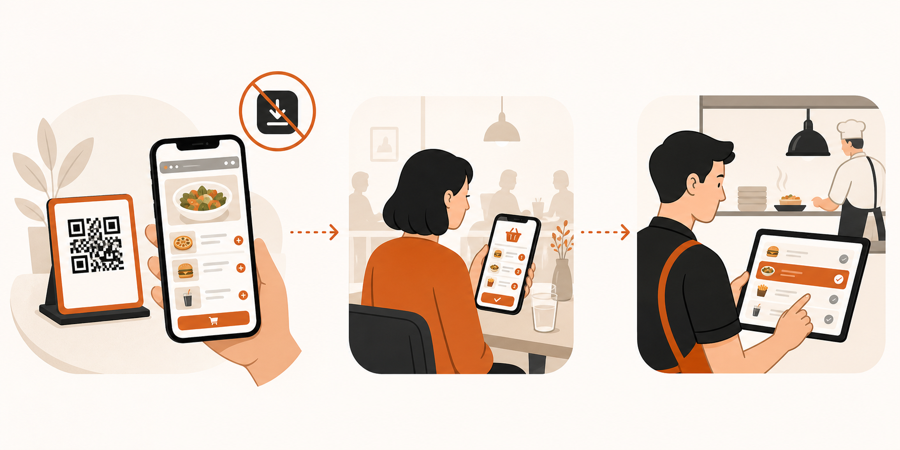
A better flow is simple: scan the table QR code, open the menu in the phone browser, choose what is needed, and send the request.
What no-app QR ordering should include
No-app ordering does not mean uncontrolled ordering.
At minimum, the guest should be able to:
- scan a table QR code
- browse the menu on a phone
- add items without installing anything
- send notes or simple requests
- ask for help or the bill from the same table context
- return to the same menu during the visit
For the restaurant, the important part is what happens after the guest acts. Staff still needs table context, review, and a clear handoff. That is why no-app ordering should connect to QR ordering with staff approval, not bypass it.
The simple table flow
Use this flow:
| Step | Guest sees | Staff sees |
|---|---|---|
| Scan | The live menu opens in the browser | The table is known from the QR context |
| Choose | Items, notes, or service actions | Nothing moves to kitchen yet |
| Send | A clear confirmation | A reviewable table request |
| Review | The table is not asked to install an app | Staff approves, rejects, or handles the request |
| Handoff | Service continues | Kitchen or floor team gets the right next action |
This is the difference between a QR code that only opens a link and a table ordering system that supports the way the floor works.
Why app downloads hurt the table experience
Guests may tolerate an app for delivery or loyalty. At the table, they usually want speed.
App installs add friction because guests may need to:
- wait for the app store
- remember a password
- accept permissions
- create a profile
- use mobile data
- repeat the same setup on another phone
That friction is unnecessary for a short restaurant visit. A browser flow is enough for menu browsing, table requests, and many order flows.
What to check before choosing a system
Before choosing QR ordering software, ask:
- Does the guest menu open in the browser?
- Can guests order without account creation first?
- Does the QR code carry table context?
- Can staff review requests before kitchen work starts?
- Can guests call a waiter or ask for the bill from the same flow?
- Does the phone view load quickly on normal mobile data?
If the answer is mostly yes, the guest gets a lighter experience and the team keeps control.
Further reading
- Square explains that guests can scan a QR code, open an ordering page, choose items, add requests, and pay from a mobile device in Set up and manage QR code ordering.
- Toast describes Mobile Order & Pay as a QR flow where guests browse, order, and pay from their own mobile device in Get Started With Toast Mobile Order & Pay.
- Lightspeed states that guests can view menus, order, and pay by scanning a QR code with no app download in Order Anywhere.
Where MenuSuite fits
MenuSuite is built around browser-based table QR actions. Guests should not need an app just to browse, order, call staff, or ask for the bill.
The restaurant still keeps the control layer: table context, staff review, service requests, and kitchen handoff. If you are deciding whether you need ordering or only a menu link, read QR menu vs QR ordering system.