
Practical guide
QR menu for bars
A practical guide to using QR menus in bars where speed matters, but staff still needs control.
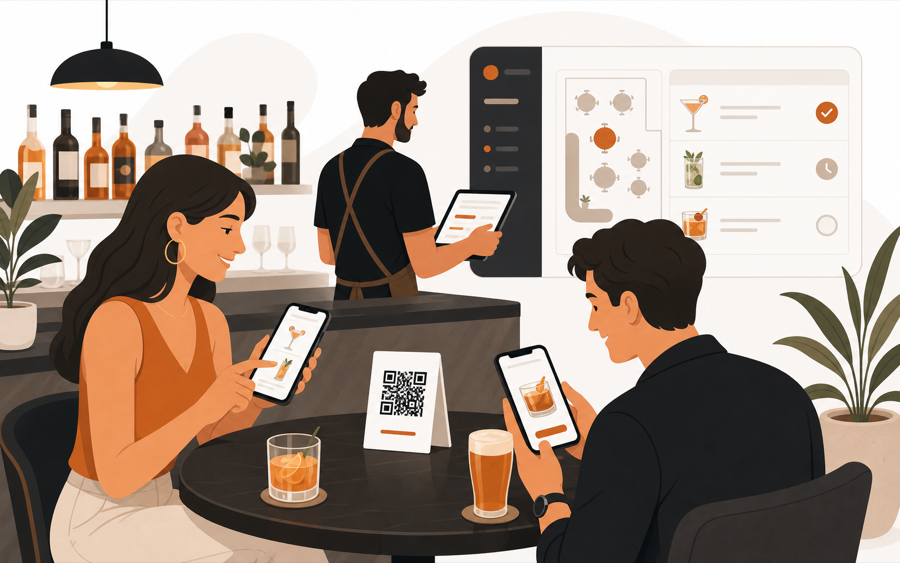
Bars need speed, not chaos
A bar QR menu should help guests act faster without making the team lose control.
That matters most during busy hours. Guests may want another drink, a quick snack, water, or the bill. Staff may already be moving between tables, the bar, and payments.
If every tap becomes instant work, QR can create noise. If the QR only opens a static menu, it may not remove much waiting. The useful middle ground is fast guest action with staff review.
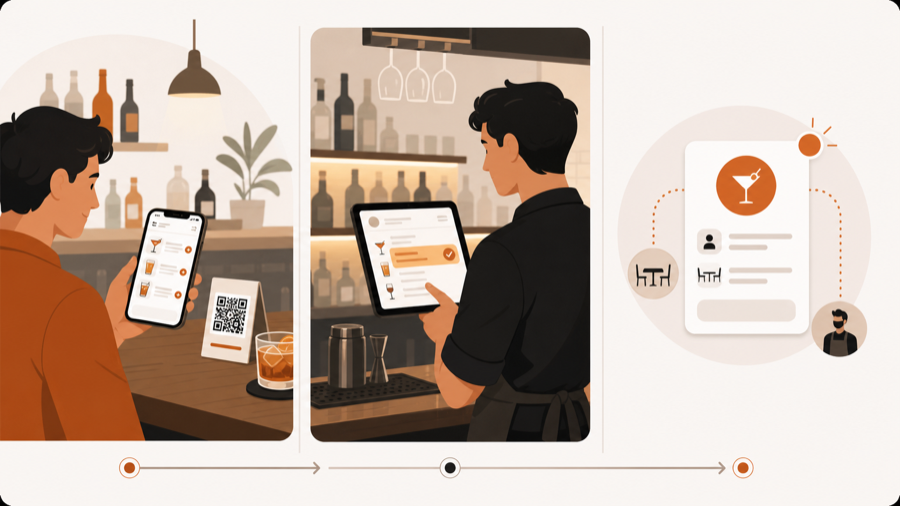
When a simple bar QR menu is enough
A simple QR menu works when the goal is browsing.
It fits bars where:
- guests mostly order from staff
- the drink list changes often
- printed menus get worn or outdated
- guests need photos, ingredients, or non-alcoholic options
- paper menus stay available for people who prefer them
In this setup, the QR code is a live menu. It keeps the list current and makes browsing easier.
If you are deciding between digital and printed menus, read QR menu vs paper menu.
When bars need table action
Bars need more than a menu link when guests should do something from the table.
Common actions are:
- reorder drinks
- request water
- ask for another round
- order a snack
- call staff
- ask for the bill
These actions need table context. Staff should know which table sent the request and whether the request should move forward.
That is where a QR ordering workflow is different from a QR menu. If the difference is still unclear, read QR menu vs QR ordering system.
Staff review matters in bars
Bar orders are timing-sensitive.
A guest may send a duplicate request. A table may be closing out. Staff may need to check stock, timing, or table status before anything becomes work.
Staff review keeps the bar in control. Guests still get a faster way to ask, but the team decides what happens next.
This matters more than automation. The goal is not to remove staff. The goal is to stop small requests from getting missed.
What to include on a bar QR menu
Keep the first screen easy to scan.
Useful sections:
- signature drinks
- beer and wine
- non-alcoholic drinks
- snacks or small plates
- happy-hour items
- sold-out or limited items
- allergen or ingredient notes
Avoid long descriptions on the first screen. Put details one tap deeper so guests can browse quickly.
Pricing depends on the job
If the bar only needs a live menu, a low-cost QR menu may be enough.
If guests can reorder, call staff, or request the bill, compare workflow value instead of only monthly price.
| Bar need | Better fit |
|---|---|
| Show current drink list | QR menu |
| Replace worn paper menus | QR menu with paper backup |
| Let guests reorder from the table | QR ordering workflow |
| Keep staff approval before prep | Staff-controlled ordering |
| Connect bill requests to table context | Table-aware workflow |
For the cost decision, read QR menu pricing guide.
Roll it out without forcing guests
Start with a few tables.
Watch where QR helps:
- Put QR codes where guests naturally look.
- Keep printed menus available.
- Start with menu browsing before adding ordering.
- Add reorder or bill request only when staff can review it.
- Ask staff which requests reduce interruptions and which create noise.
Good bar QR service should feel optional, fast, and controlled.
Where MenuSuite fits
MenuSuite fits bars that want QR to support service, not bypass staff.
Guests can scan, browse the live menu, request help, ask for the bill, or place an order. Staff sees the table context and reviews the action before it becomes operational work.
If your bar only needs a menu link, start with What is a QR menu?. If guests often need water, staff attention, or another round, read Waiter call from QR code. If guests often wait to ask for the check, read Bill request from table QR. If guests often split tabs or wait for the terminal, read Pay at the table with mobile payments.
Further reading
- Square covers table ordering and checkout in Tableside ordering and pay at table.
- For restaurant technology investment context, see the National Restaurant Association's Where operators plan to invest in tech.